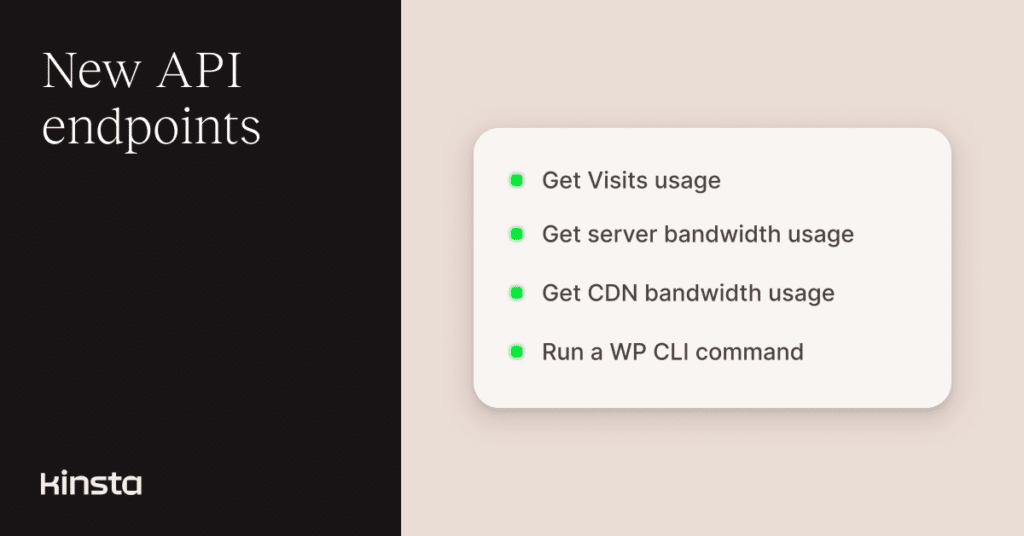
Tracking your website’s resource usage and automating WordPress operations just got easier. This update introduces new endpoints for retrieving current-month usage metrics and running WP-CLI commands directly through the Kinsta API.
These additions give you clearer visibility into consumption and more flexibility to automate routine WordPress tasks across your sites.
Check current-month visits, bandwidth, and CDN usage
You can now retrieve visits, server bandwidth, and CDN bandwidth usage metrics for the current billing month. These endpoints make it easy to monitor consumption, power internal dashboards, or trigger alerts when usage approaches plan limits.
Each endpoint returns a simple object containing the site ID and its usage totals for the month.
Here is an example request to get current-month visits:
curl -i -X GET \
  'https://api.kinsta.com/v2/sites/{site_id}/usage/visits/this-month' \
  -H 'Authorization: Bearer <YOUR_TOKEN_HERE>'
Example response:
{
  "site": {
    "id": "54fb80af-576c-4fdc-ba4f-b596c83f15a1",
    "this_month_usage": {
      "visits": 100
    }
  }
}
To retrieve server bandwidth or CDN bandwidth, replace visits with bandwidth or cdn-bandwidth in the endpoint URL.
You can learn more about each usage endpoint in the API documentation for visits, server bandwidth, and CDN bandwidth.
Run WP-CLI commands programmatically
We now also have a /run-wp-cli-command endpoint that lets you execute WP-CLI commands on any environment through the Kinsta API.
This opens the door to automating routine WordPress tasks such as checking the core version, clearing caches, inspecting plugins, or retrieving site details.
Example request:
curl -i -X POST \
  'https://api.kinsta.com/v2/sites/environments/{env_id}/run-wp-cli-command' \
  -H 'Authorization: Bearer <YOUR_TOKEN_HERE>' \
  -H 'Content-Type: application/json' \
  -d '{
    "wp_command": "wp core version"
  }'
After sending the request, the API returns a 202 response, which confirms the command is queued. Any other status code reflects a validation, authentication, or execution issue.
You can test this directly in the API documentation using the Try it button.
Build on your workflows with the latest Kinsta API additions
These usage and WP-CLI endpoints continue our ongoing expansion of the Kinsta API, following earlier releases of detailed analytics and environment-level controls. Together, they make it easier to automate tasks, monitor resource consumption, and integrate Kinsta more deeply into your internal tools.
You can explore full request and response formats for each endpoint in the API documentation.