PHP Performance add-on Handle traffic spikes without upgrading your plan
When your site gets busy, requests can slow down, queue, or fail entirely. The PHP Performance add-on increases your site’s PHP capacity so it can handle more simultaneous requests without changing your hosting plan.

Is this add-on right for your site?
If your site shows any of these signs, it may be hitting its PHP limits:
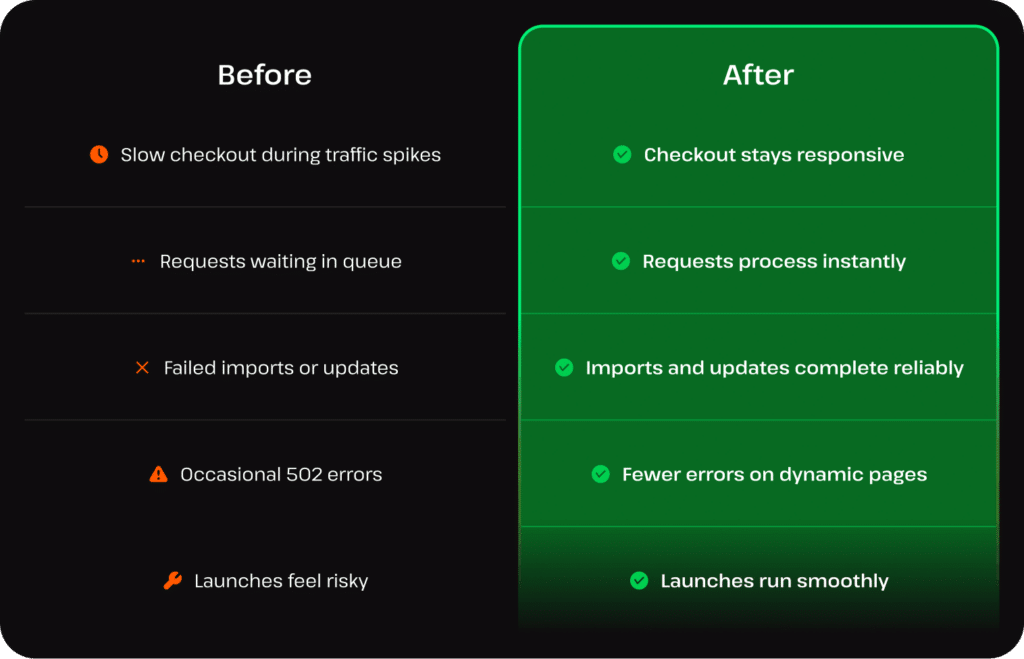
- Slow page load times during traffic spikes
- Requests queuing or timing out
- Failed imports, updates, or background tests
- 502 or 504 errors

What causes these slowdowns?
Every visit triggers PHP processes (checkout, logins, searches, dynamic content). But there’s a limit to how many can run at once.
When traffic increases, requests start lining up. Some take longer to complete, and others fail altogether. That’s when you see slowdowns, errors, or broken experiences.
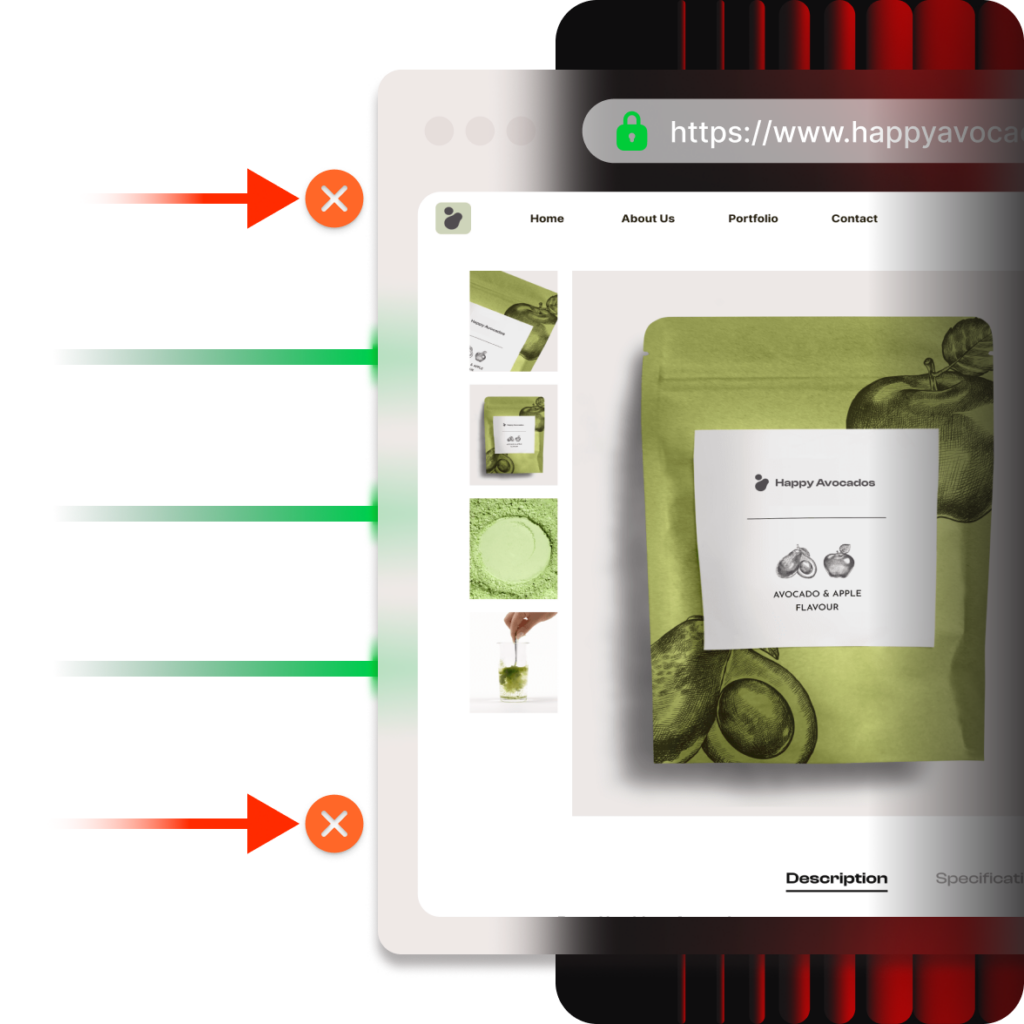
How the add-on solves PHP bottlenecks
It increases the resources available to your site, allowing it to handle more requests simultaneously.
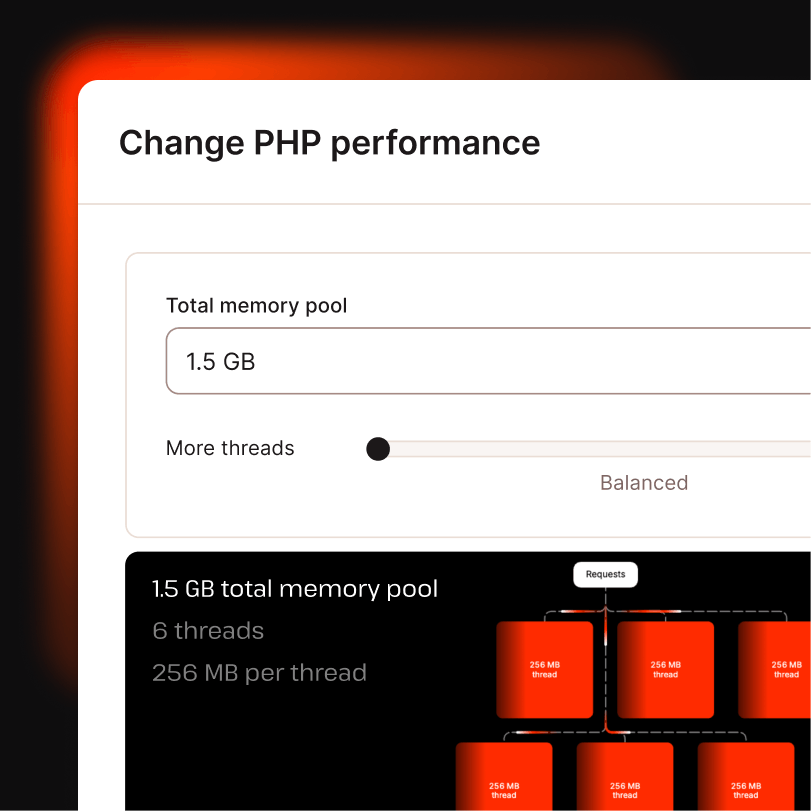
More PHP workers
Handle more visitors
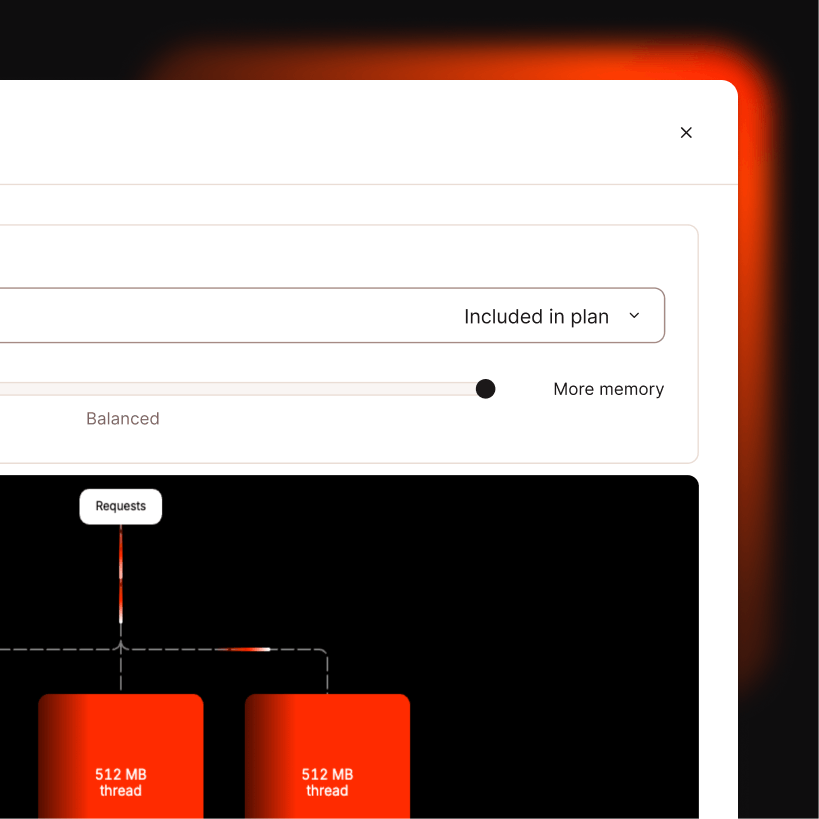
More memory per worker
Process heavier tasks
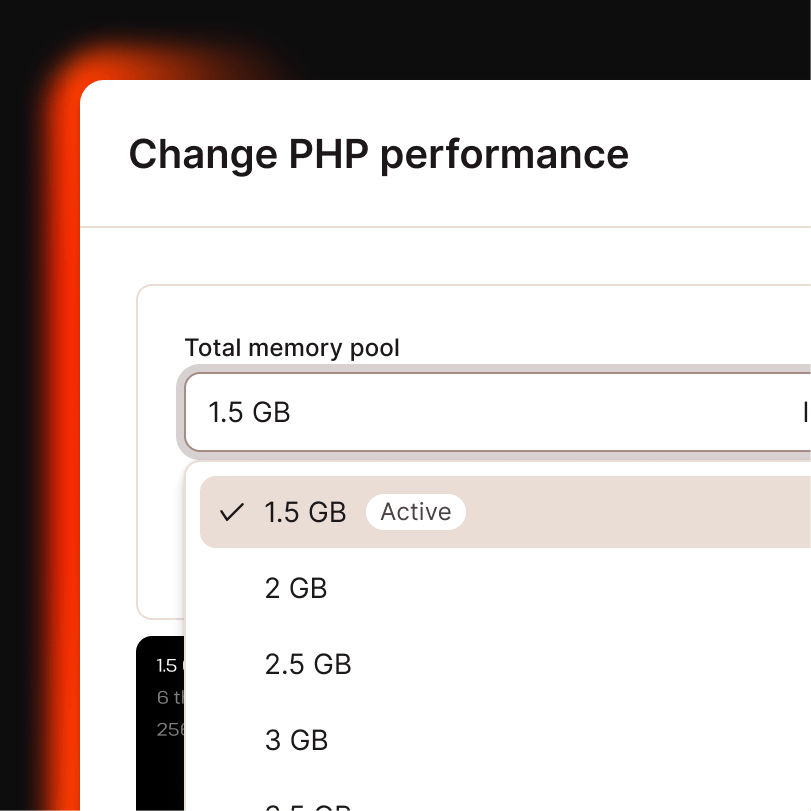
More total memory
Support complex operations
In short, your site stays fast and stable under load.
When PHP limits stop getting in the way
Why Kinsta’s per-site PHP scaling is different
Many hosts tie PHP capacity to plan tiers. If you need more for a single site, the only options are usually to upgrade your plan or move to a dedicated server. Some places even advertise “unlimited workers” without addressing the memory limits that cause failures.
Kinsta gives you per-site control.

Adjust one site, not your whole account
Increase the number of workers, the memory pool, and the memory per thread based on the site’s specific needs. Everything else stays untouched.

Built-in visibility
See exactly when limits are being hit. MyKinsta analytics and APM surface PHP limit signals in real time before visitors notice anything.

Pay only while it’s active
Enable the PHP Performance add-on before a launch or a busy period. Disable it when traffic settles. Pricing is prorated, so you only pay for the time it’s on.
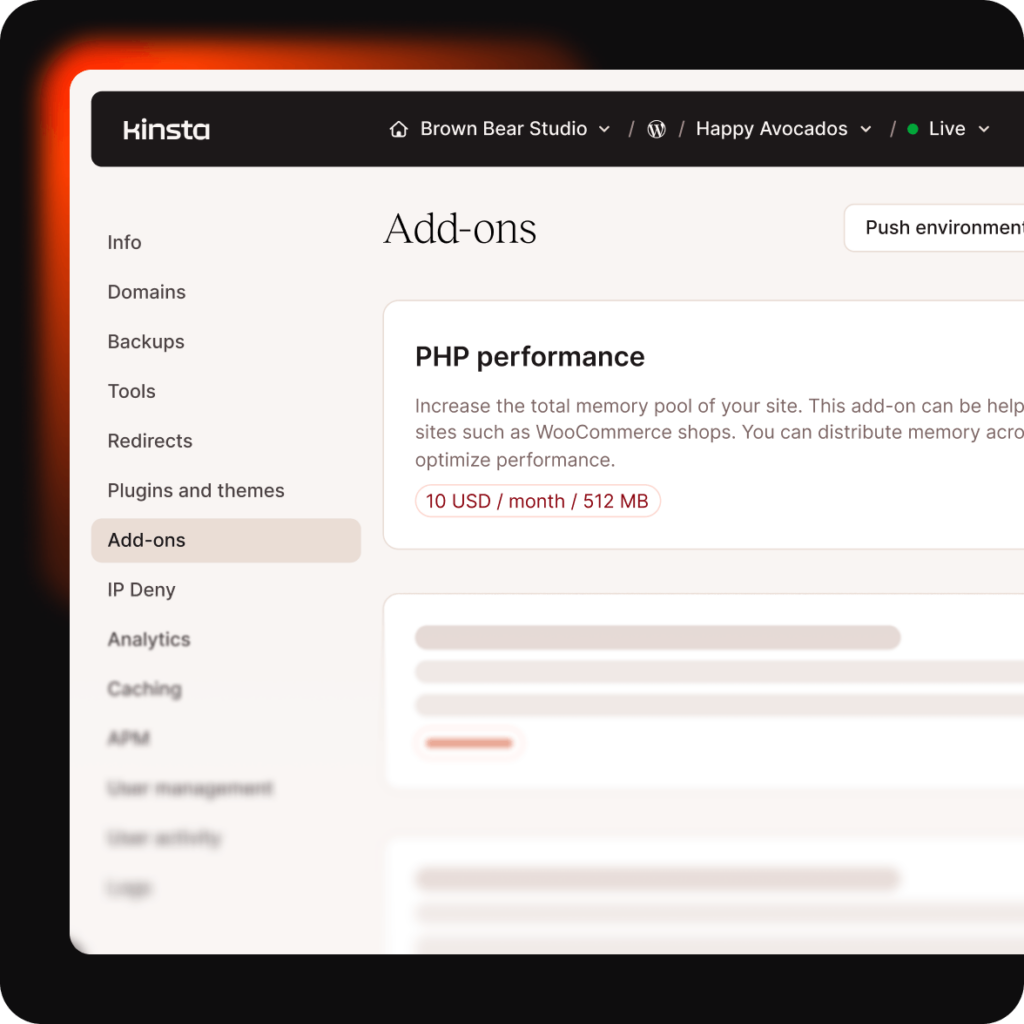
Enable the PHP Performance add-on in seconds directly inside MyKinsta
- Open the site in MyKinsta
- Navigate to Add-ons
- Enable PHP Performance Add-on
The change applies only to that site. Disable it anytime.
FAQs
Why does my website slow down when traffic increases?
When traffic spikes, your site can run out of available PHP workers. Requests start queuing, which leads to slower load times and failed requests.
What causes 502 or 504 errors during traffic spikes?
These errors often happen when your server can’t process requests fast enough. If too many PHP requests are waiting or timing out, the server returns a 502 or 504 error.
What do “PHP workers” mean?
PHP workers are processes that handle requests on your site. More workers mean your site can handle more visitors and more actions simultaneously.
What exactly does the PHP Performance add-on do?
It increases your site’s PHP capacity, allowing it to handle more simultaneous requests without upgrading your entire hosting plan.
How can I prepare my site for a traffic spike?
Increase your PHP capacity ahead of launches, major promotions, or high checkout times so your site can handle more simultaneous users.
How much does the PHP performance add-on cost?
The add-on costs $10 per month for an additional 500MB per site.
Pricing is usage-based and prorated, so you only pay for what you use with no long-term commitment.
Can’t find what you´re looking for? Chat with us