
Articles by Daniel Pataki
Hi, my name is Daniel, I'm the CTO here at Kinsta. You may know me from Smashing Magazine, WPMU Dev, Tuts+ and other WordPress/Development magazines. Aside from WordPress and PHP I spend most of my time around Node, React, GraphQL and other technologies in the Javascript space.
When not working on making the best hosting solution in the Universe I collect board games, play table football in the office, travel or play guitar and sing in a pretty bad band.

How One-Time and Recurring Commissions Are Calculated
Our affiliate terms outline the methods of calculating recurring commissions. In this Knowledge Base article we provide some example calculations.

Affiliate Systems Suck, So We Rolled Our Own
When it came time to launch our affiliate system we realized there was no third-party solution that would work. Check out how and why we rolled our…

Managing Multi-User Access in Your Hosting Account
Multi-user support allows you to work in a more secure environment. MyKinsta allows you to granularly control who has access to what in your hostin…

WP-CLI v2 – Managing WordPress From the Terminal
WP-CLI v2 is a powerful command line tool for developers to manage WordPress installations. Check out how to install and use WP-CLI commands.

How to Prevent Hotlinking in WordPress (7 Easy Methods)
In this tutorial, you'll learn what hotlinking is, why it is bad, and how to easily prevent hotlinking on your WordPress site to save money and ban…

What’s New In WordPress 4.7
Lets take a look WordPress 4.7 "Vaughan," which was just released! It includes a new default theme, customization options and a host of developer f…

What’s New in PHP 7.1.0
After the major release of PHP 7, PHP 7.1.0 is now focusing on core language features that will help all of us write better code, such as nullable…

What Is a Trackback?
What is a trackback? A trackback is a way to manually notify older blogging systems that you have linked to one of their posts. Click here to learn…

How To Use the WordPress Register Sidebar Function
In this article we'll look at some ways to use the default WordPress register sidebar function along with some advanced tips.
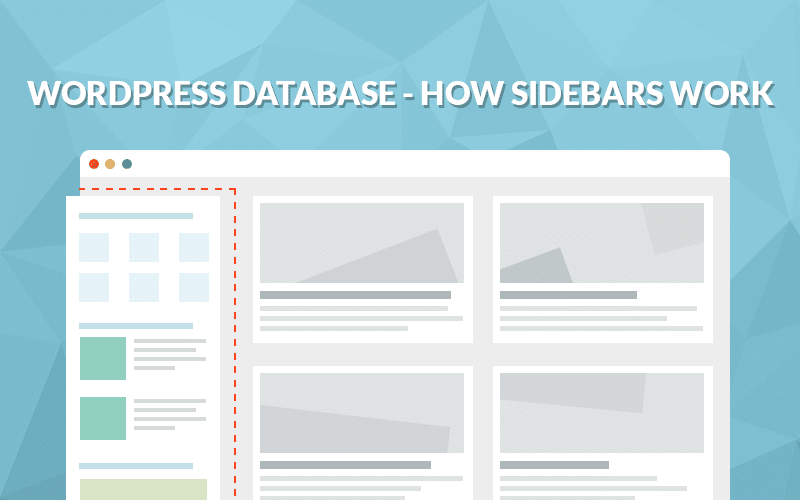
WordPress Database – How Sidebars Work
In this article we'll take a look at how WordPress widget areas, sidebars and widgets work on a database level.
Managing WordPress Development With Symlinks
Symlinks can be used to point a plugin or theme from one central location to multiple WordPress installs. This minimizes development and testing time.
wp_enqueue_scripts – How to Enqueue Your Assets in WordPress
Use wp_enqueue_scripts in WordPress to add your Javascript and CSS assets to your site while managing their dependencies in a modular way.