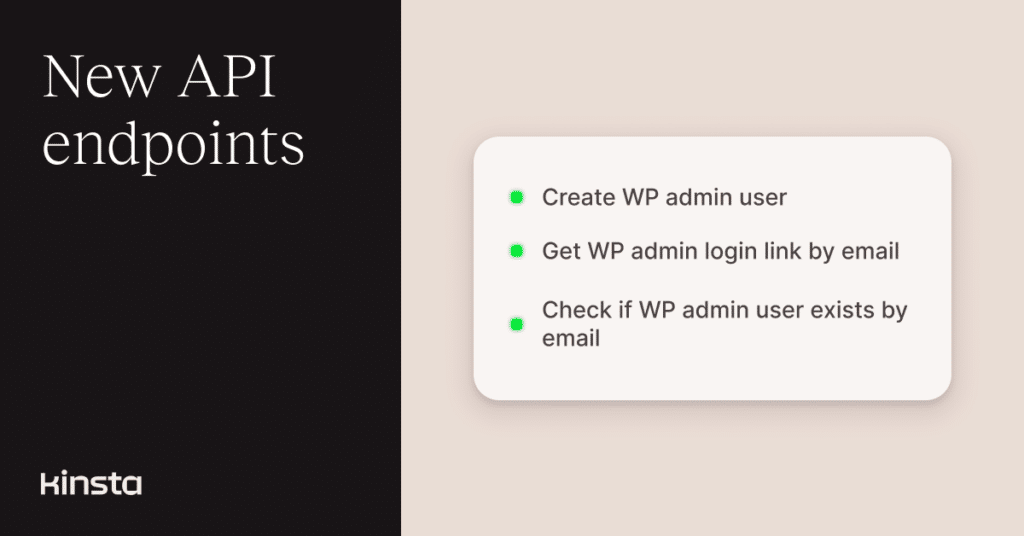
In March, Kinsta introduced one-click access to WordPress Admin in MyKinsta. Now, we have extended that feature to the Kinsta API with three new endpoints for checking whether a matching WordPress admin user exists, creating one when needed, and generating a login link.
These additions make it easier to build your own onboarding, support, or admin workflows around WordPress Admin auto-login.
Check if a WordPress admin user exists
The new wpa-user-exists endpoint lets you check whether a WordPress administrator account already exists for a given email address in an environment.
This is useful when you want to decide whether to create a user first or go straight to generating a login link.
Example request:
curl --request GET \
  --url https://api.kinsta.com/v2/sites/environments/{env_id}/[email protected] \
  --header 'Authorization: Bearer <token>'
Example response:
{
  "has_wp_admin_user": true
}
You can find full request and response details in the API documentation for checking whether a WordPress admin user exists.
Create a WordPress admin user
If the email address does not already exist in WordPress, you can create a new administrator account with the API’s wpa-create-user endpoint.
This is especially useful for automated setup flows, internal tooling, or support workflows where you want to prepare access before generating a login link.
Example request:
curl --request POST \
  --url https://api.kinsta.com/v2/sites/environments/{env_id}/wpa-create-user \
  --header 'Authorization: Bearer <token>' \
  --header 'Content-Type: application/json' \
  --data '
{
  "email": "[email protected]",
  "first_name": "John",
  "last_name": "Doe"
}
'
Example response:
{
  "create_wp_admin_user": true
}
You can learn more in the API documentation for creating a WordPress admin user.
Generate a WordPress Admin login link
Once a matching WordPress admin user exists, you can generate a login link using the API’s wpa-login-url endpoint.
This gives you a programmatic way to support the same WordPress Admin auto-login experience already available in MyKinsta, without requiring a manual visit to the dashboard.
Example request:
curl --request POST \
  --url https://api.kinsta.com/v2/sites/environments/{env_id}/wpa-login-url \
  --header 'Authorization: Bearer <token>'
Example response:
{
  "login_link": "https://mysite.kinsta.cloud?wp-login.php?kinsta-sso=<token>"
}
You can find more details in the API documentation for generating a WordPress Admin login link.
Add WP Admin auto-login to your own workflows
These new endpoints extend the WordPress Admin auto-login feature beyond MyKinsta to the Kinsta API.
Whether you’re building internal tools, automating site setup, or simplifying admin access for your team, you now have more control over how WordPress Admin login is handled programmatically.