WordPress site add-on Add a WordPress site without upgrading your hosting plan
The Kinsta WordPress site add-on gives you a simple, cost-effective way to make the most of your existing plan.
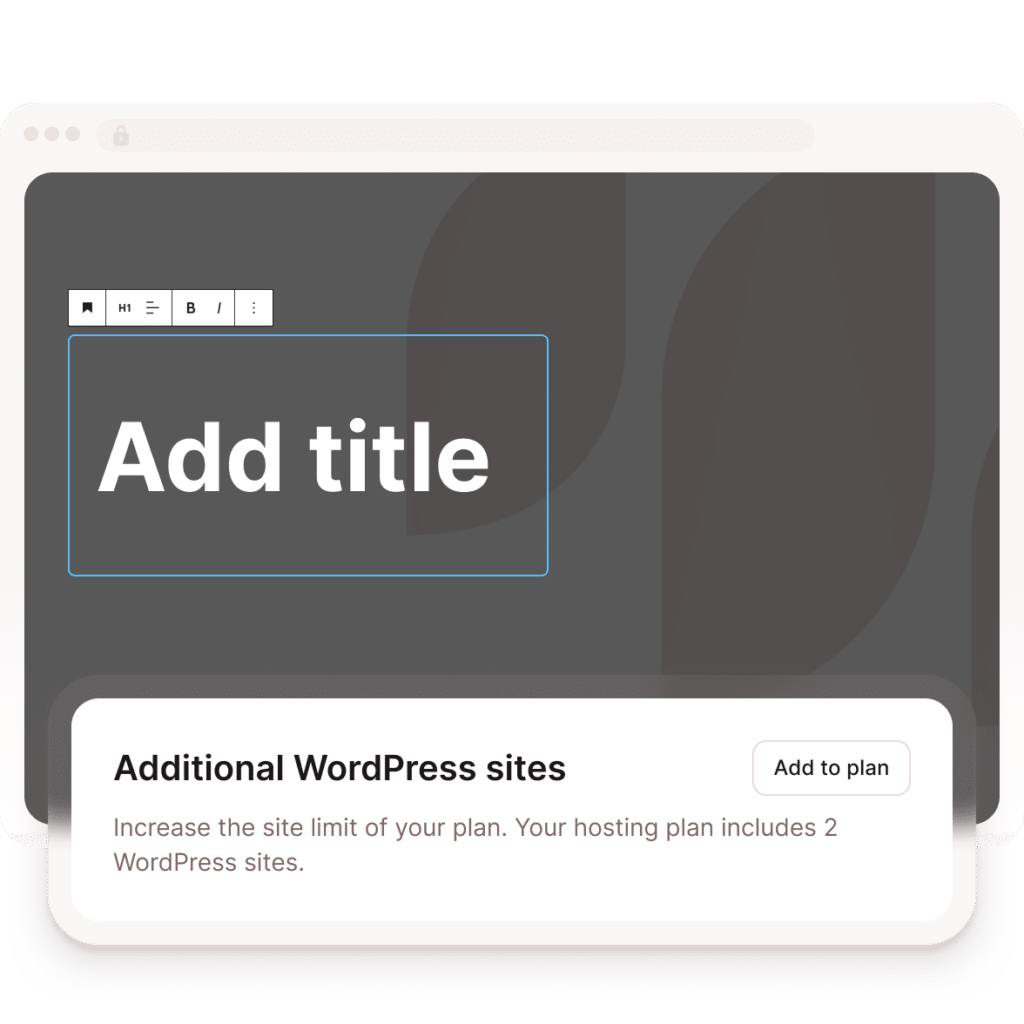
Need another site slot but not more site resources?
Sometimes you need room for another site, not a bigger hosting plan.
If your plan has resources to spare but no open site slot, the WordPress site add-on lets you add a site right where you are, no plan change needed.
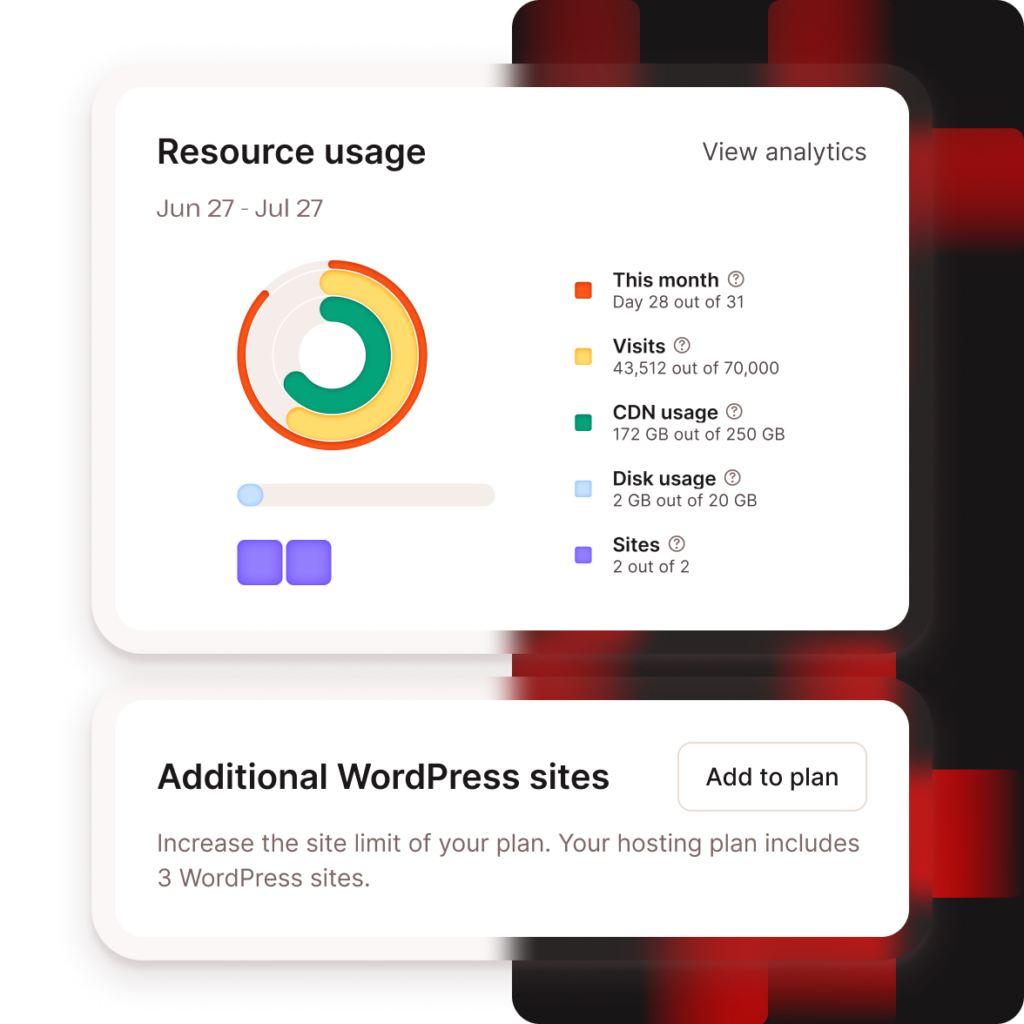
Is this add-on right for your next site?
It’s a good fit when you want to:
- Launch a microsite, campaign site, or secondary brand
- Add a short-term client project
- Test a migration one site at a time
- Have unused visit, bandwidth, CDN, or disk headroom
- Avoid upgrading before your usage says you need to

How the WordPress site add-on gives you more room to move
The WordPress site add-on increases the number of sites on your existing plan, so you can grow without moving up a tier before you’re ready.

Add only the sites you need
Each additional WordPress site costs $30/month and includes its own staging environment and domain support.

Maximize existing resources
Added sites share your plan’s visits, bandwidth, CDN usage, and disk space, making the add-on ideal when you have resources to spare.

Add or drop sites anytime
Adjust your site count in MyKinsta as client work, campaigns, or projects change.
When you get the add-on vs when you upgrade your plan
| Choose the add-on when… | Choose a plan upgrade when… |
|---|---|
| You’re adding one or two sites | You’re adding three or more sites |
| Your current plan has unused resources | You’re close to your plan limits |
| You want to avoid changing plans for a small project | The site will need more traffic, disk, or CDN capacity |
| The site is temporary or lower-resource | The new sites will need more resources than your plan has to spare |
| You’re testing a migration one site at a time | You’re consolidating a portfolio for the long term |
When your resource needs grow alongside your site count, upgrading usually gives you better long-term value
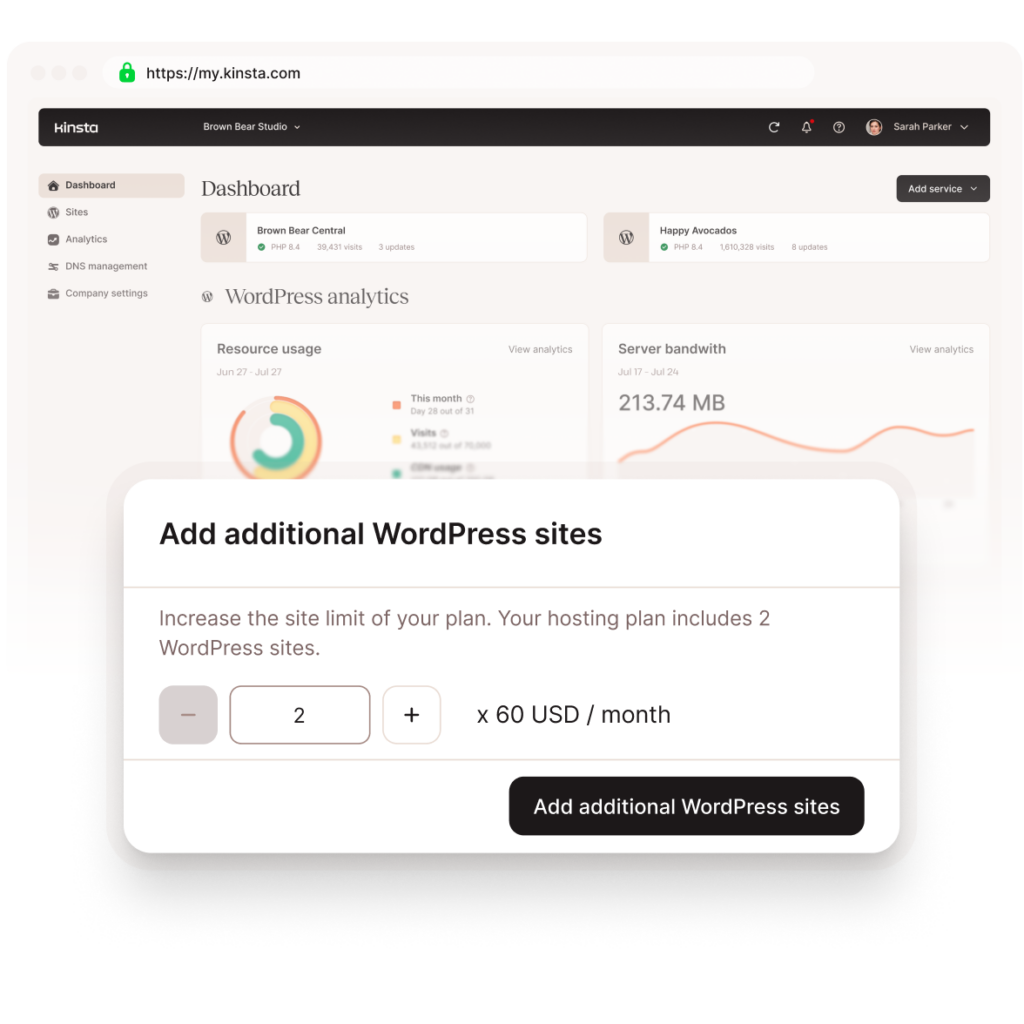
Enable it in MyKinsta in a few clicks
- Go to MyKinsta > Company settings > My plan.
- Enable the WordPress site add-on and choose how many sites you need.
- Review and confirm your changes.
The change takes effect right away; the charge lands on your next billing cycle.
FAQs
How much does the WordPress site add-on cost?
Each additional WordPress site costs $30/month. Billing is prorated from the day you enable the add-on and appears on your next invoice.
What does each added site include?
Each added site includes its own staging environment and domain support.
Does the add-on include more disk space?
No. Added sites share the resources already included in your plan, including visits, bandwidth, CDN usage, and disk space.
Should I add a site or upgrade my plan?
Use the add-on when you’re adding one or two sites and still have resource headroom. Upgrade when you’re adding several sites, running close to your limits, or need better long-term, per-site pricing.
What happens if I change plans?
Your site add-ons carry forward when you change plans. If you no longer need the add-on after changing plans, you can deactivate it.
How do I remove the add-on?
First, delete any extra sites you no longer need. Then, go to Company settings > My plan > WordPress sites in MyKinsta to deactivate the add-on.
Is there a limit during my first free month?
Yes. If you’re on a Single 35K visits, Single 20GB bandwidth, or WP 2 plan and still in your first free month, the add-on is limited to two additional sites.
Can’t find what you´re looking for? Chat with us