
Your store stays fast through every sales peak
With Kinsta’s WooCommerce hosting, cart and checkout are never served from cache, so they stay quick when traffic surges. Our experts move your store for free, on a date you schedule.


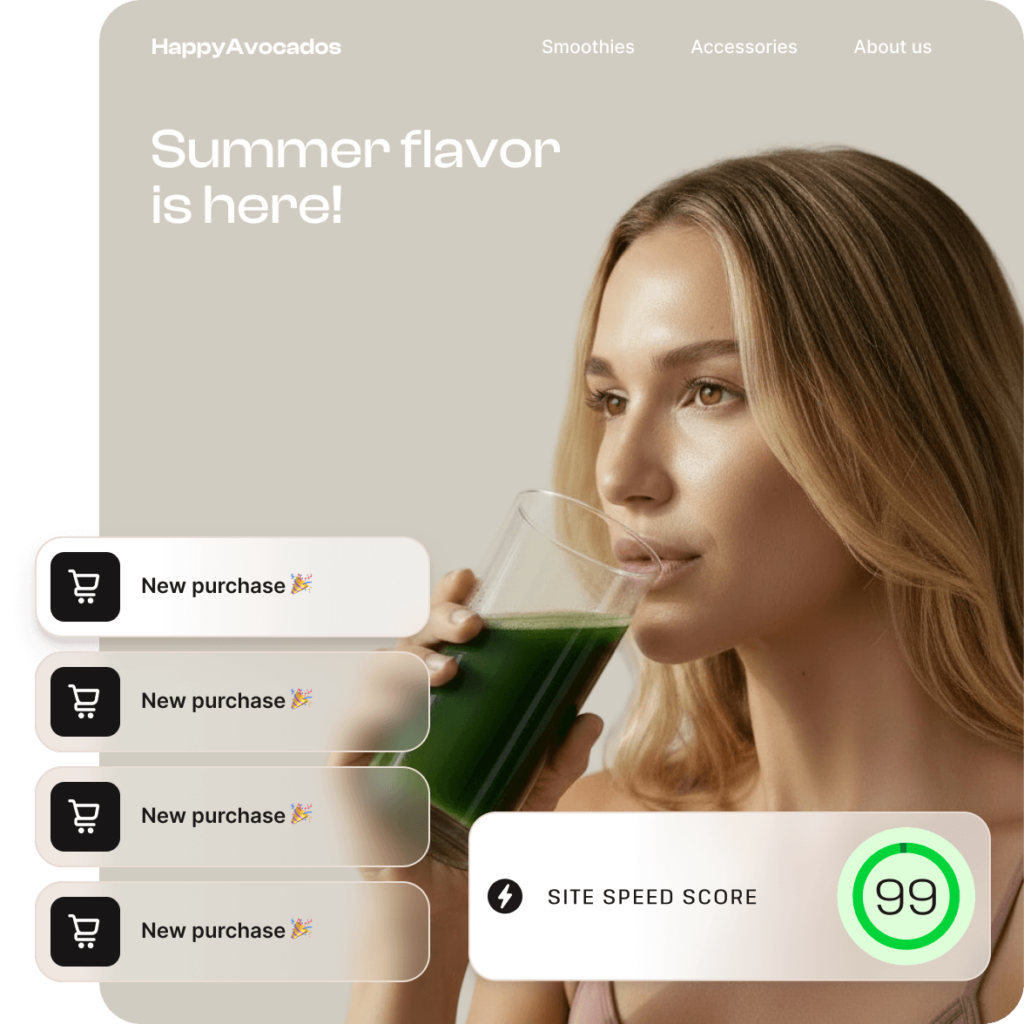
Built for the fastest stores that can’t afford to slow down
Fast pages, everywhere
Enterprise Cloudflare edge caching serves your store from 300+ locations worldwide, making pages up to 40% faster for shoppers near and far.
Always-accurate carts and checkout
Cart, checkout, and account pages are always served live, so prices, stock, and order totals are right for every shopper, every time.
Steady through every sales peak
Isolated containers give your store its own resources. A big campaign or a neighbor’s traffic spike won’t turn into a slowdown on your site.

From crashing at peak season to $50M+ a year
Hall switched to Kinsta and scaled client annual revenue from $3M to $50M+ in three years. And the crashing was gone.
16x
revenue growth
Before Kinsta
$3M

Three years on Kinsta
$50M+


MYKINSTA DASHBOARD
Take control of your WooCommerce store
- See how your store is performing with built-in analytics for traffic, bandwidth, and more.
- Find and fix slow spots with Kinsta’s APM tool, down to the plugin, query, or function.
- Block malicious bots and AI crawlers before they eat into your store’s resources.
- Control who reaches your WooCommerce store with redirects, IP blocking, geolocation rules, and more.
- Test changes safely with one-click staging, then push entire sites, individual files, or specific database tables live.
Security built-in for peace of mind

State-of-the-art infrastructure
Our enterprise-level firewall and DDoS protection prevent attacks from ever reaching your server.

Always-on monitoring
We continuously monitor sites for suspicious activity to ensure swift resolution of any threats.

Intelligent bot control
Kinsta’s Bot Protection lets you control automated traffic and fine-tune which traffic types can access your site.
The WordPress Hosting Leader on G2
 4.8 stars · 1,600+ reviews


Success stories

“Five hundred visitors for the entire hour on the site, all at the same time. With Kinsta, we were able to handle that, piece of cake. We didn’t even sweat! People were able to add to their cart and then check out – there was no wait time. It loaded as if there was only one person on the site. It just empowered us.”


“Kinsta gives Jaggards the performance, reliability, tooling, and support needed to run a heavily customized WooCommerce platform with more confidence.”


“And now that we don’t have to worry about hosting, we have a lot more time and resources to improve our website and expand our business globally.”

Choose a WooCommerce hosting plan
Starting at
- Examples of the agency-exclusive benefits:
- Up to $10,000 in hosting credits for eligible agencies
- Free hosting for your agency site
- Listing in our Agency Directory
- Unbranded WordPress admin experience
- Access to account management
Designed for agencies with growing portfolios
 Designed for agencies with growing portfolios
Prices exclude tax and are in USD. Offer ends December 1, 2026. Available for new customers only.
If you’re already with us, click here.
Moving your WooCommerce store to Kinsta is easier than you think

FAQs
What is WooCommerce?
WooCommerce is a free, open-source plugin that adds e-commerce functionality to your WordPress website. It’s the most popular e-commerce solution for WordPress and lets you sell physical products and digital downloads, as well as subscriptions, memberships, and bookings with extensions.
Is WooCommerce free to use?
Yes, WooCommerce is a free, open-source plugin for WordPress. However, running a WooCommerce store involves additional costs, including web hosting, a domain name, payment processing fees, and any premium themes or extensions you choose to use. Every Kinsta plan includes free unlimited migrations and is backed by a 30-day money-back guarantee, so there’s no risk in seeing how your store runs on Kinsta.
What is WooCommerce hosting?
WooCommerce hosting is WordPress hosting optimized for online stores built with WooCommerce. It provides the performance, security, and resources needed to handle product catalogs, shopping carts, checkout processes, and customer transactions. Managed WooCommerce hosting also takes care of server maintenance, security, and other technical tasks, so you can focus on running your store.
What is the difference between WordPress hosting and WooCommerce hosting?
Online stores put different demands on a server than standard websites. Pages like the cart, checkout, and customer accounts show information unique to each shopper, so they can’t be served from the page cache. This means more requests are processed by the server in real time. WooCommerce hosting is configured to handle this workload. At Kinsta, all WordPress hosting plans are optimized for WooCommerce, with caching rules for cart, checkout, and account pages applied automatically.
How does WooCommerce hosting improve store performance?
WooCommerce hosting improves performance through optimized server resources and caching configurations designed for e-commerce. At Kinsta, server-level caching, Edge Caching across 300+ locations, and a global CDN speed up content delivery. Pages such as the cart, checkout, and my-account are excluded from caching so customers always see accurate, up-to-date information. You can also add Redis caching to handle more traffic by reducing the load on your site’s database. Kinsta’s APM tool, included at no extra cost, helps you identify performance bottlenecks.
Can WooCommerce hosting handle high traffic and growing stores?
Yes. Kinsta runs each site in an isolated container, with resources allocated automatically as needed, so your store is ready for holiday traffic and sudden surges. As your store grows, you can upgrade your plan anytime and add resources such as PHP performance, Redis caching, or dedicated servers for resource-intensive, high-traffic, and mission-critical stores. The right setup depends on factors such as your traffic, the number of concurrent shoppers, and the complexity of your store.
Is my WooCommerce store secure on Kinsta?
Yes. Every Kinsta plan includes Enterprise Cloudflare DDoS and malware protection, a Cloudflare firewall, and Vulnerability Protection powered by Patchstack, which automatically helps block exploits targeting known vulnerabilities in WordPress plugins and themes.
You also get free auto-renewing wildcard SSL certificates, uptime monitoring every three minutes, and automatic daily backups. Kinsta is a SOC 2 Type II compliant organization and complies with GDPR and CCPA privacy standards.
How are my orders and customer data backed up?
Kinsta automatically backs up your store every day, and you can also create manual backups. For stores that need more frequent backups, you can increase backup frequency to every six hours or every hour with an add-on. When you push changes from a staging environment, you can choose to deploy anything from an entire site to individual files or database tables. This is especially useful for WooCommerce stores, where new orders and subscriptions come in frequently.
How do I get started with WooCommerce hosting?
Choose a Kinsta hosting plan that fits your store’s needs. If you’re starting from scratch, you can create a new WordPress site with WooCommerce installed directly from the MyKinsta dashboard. If your store is hosted elsewhere, our team will migrate it for you for free.
Can I migrate my existing WooCommerce store to Kinsta?
Yes. Every Kinsta plan includes free unlimited migrations handled by our expert migrations team. Because WooCommerce stores are continuously updated with new orders and customer data, your store will need to be placed in maintenance mode during the migration to prevent data loss. You can schedule the migration for a time that works best for your store.
Can’t find what you’re looking for? Chat with us