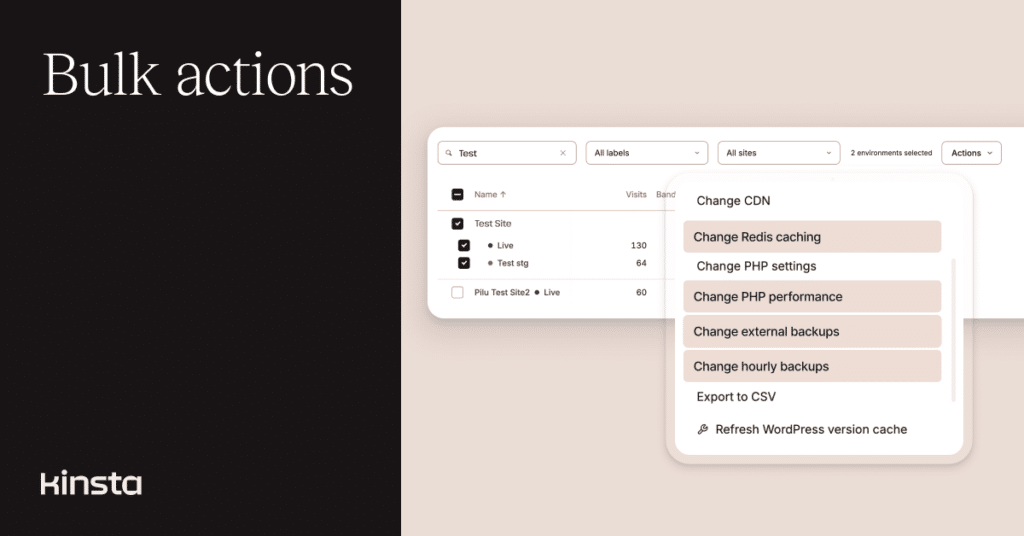
We’ve made more tools available to customers who manage multiple websites by adding four more add-ons to MyKinsta’s “bulk actions” menu.
In fact, there are now so many Kinsta features you can apply across multiple sites that we’ve redesigned the Actions menu to fit everything in.
The updated Actions menu
The Actions menu appears near the top of the Sites page in MyKinsta when you select a checkbox next to one or more environment names in the sites list. To keep the menu manageable, we’ve grouped some feature sets into sub-menus for:
- Caching
- Bot protection
- Plugins and themes
- PHP settings
- Backups
Exporting site details to CSV and changing environment labels are the tools that round out the top level of the menu.
New capabilities for bulk actions
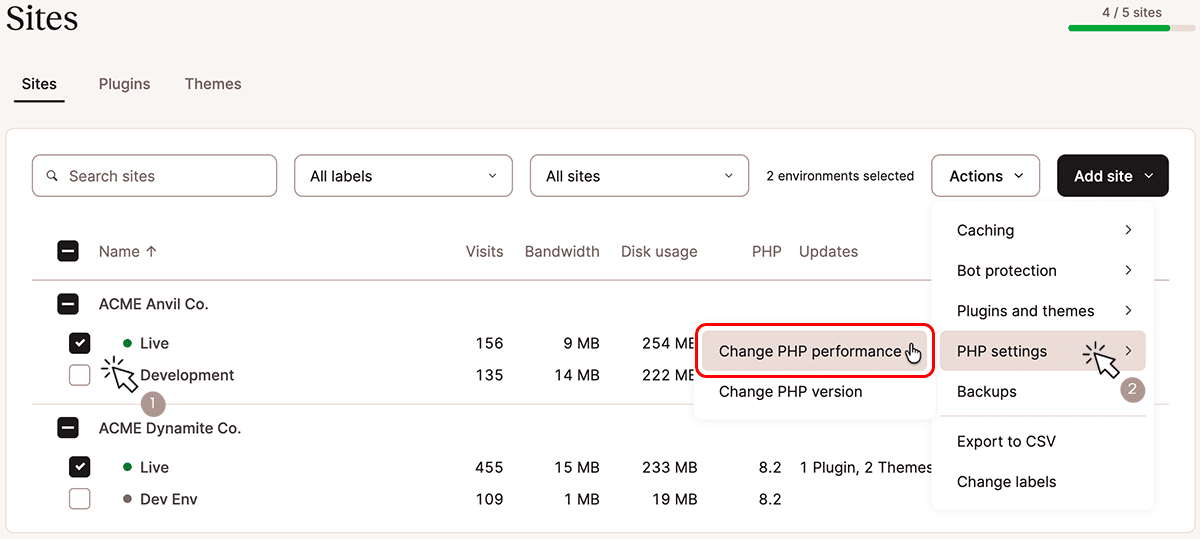
Before, you could change the version of PHP behind multiple websites simultaneously. We’ve added PHP performance to the Actions menu so that you can begin there to choose the optimum combination of server memory and PHP threads for one or more sites:
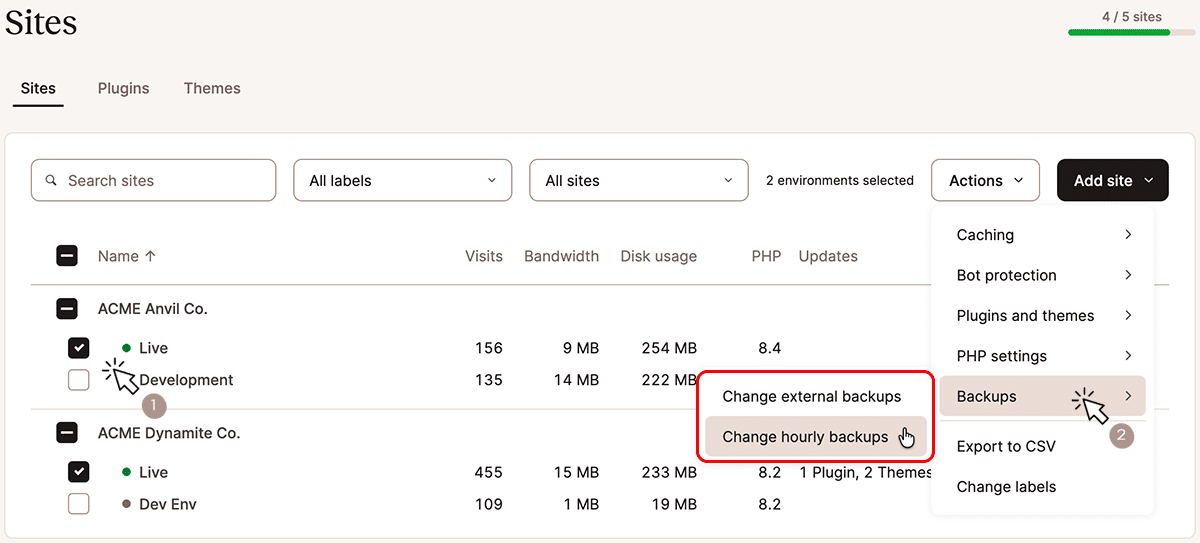
Backups bring a new category to the Actions menu, and you can now start here to configure hourly (every hour or every six hours) and external backups for selected sites:
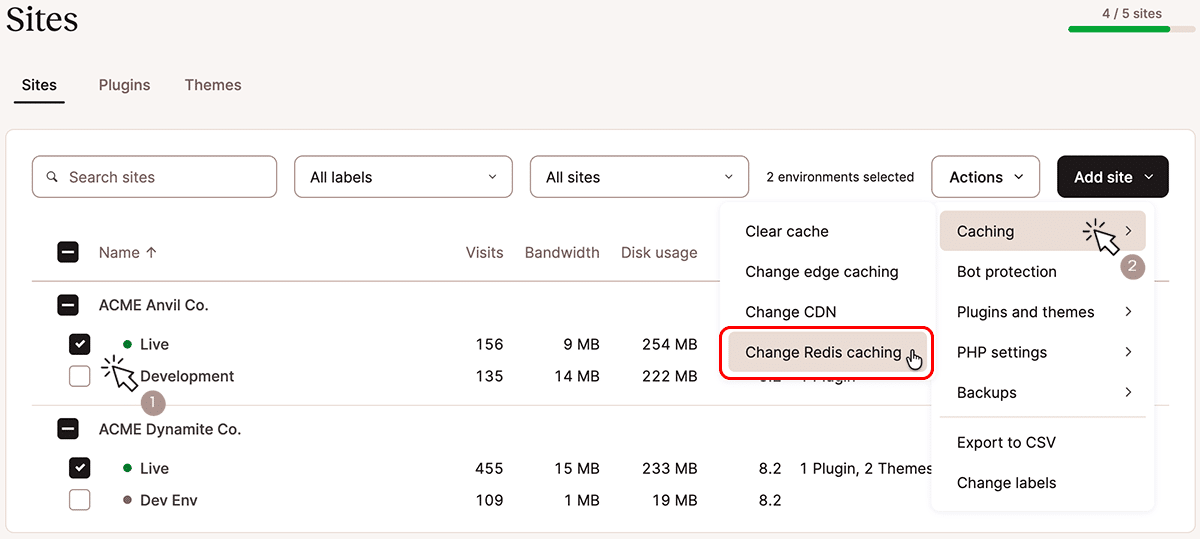
Finally, we’ve added the ability to add or remove Redis caching via the Actions menu:
Some tools and add-ons available through the Actions menu trigger additional fees when you add them. You will always have an opportunity to review those costs before confirming your selections.
More coming
We haven’t got all of Kinsta’s advanced features into our bulk actions menu, but we’re working on it! Check out our Kinsta add-ons overview to see what else is available to supercharge your website.