Kinsta already provides analytics in MyKinsta, but with our latest update, you can access more of that data programmatically via the Kinsta API.
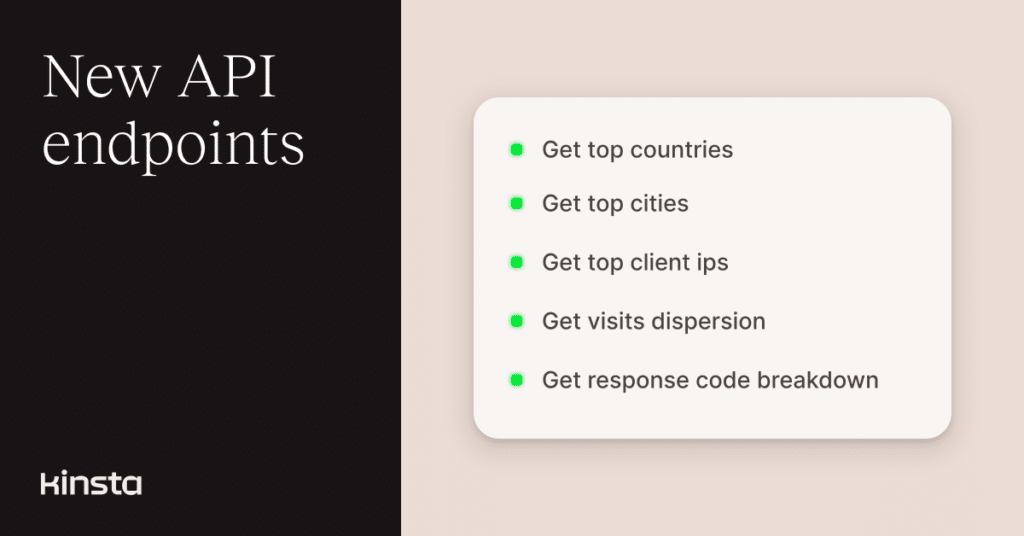
This update adds five new analytics endpoints to the Kinsta API, covering top countries, top cities, top client IPs, visits dispersion, and response code breakdown.
That makes it easier to pull traffic and request data into your own dashboards, reports, similar to Kinsta’s earlier analytics API releases, which focused on bringing usage and reporting data into external tools.
Get top countries and cities
You can now retrieve the top countries and cities behind traffic to a WordPress environment.
These endpoints are useful for understanding where visitors are coming from, identifying regional trends, or enriching your traffic reports.
Here is an example request for top countries:
curl -i -X GET \
 'https://api.kinsta.com/v2/sites/environments/{env_id}/analytics/top-countries?company_id={company_id}&time_span=30_days' \
 -H 'Authorization: Bearer <YOUR_TOKEN_HERE>'
A typical response returns a list of locations and their associated views:
{
 "analytics": {
   "analytics_response": {
     "key": "countries",
     "data": [
       {
         "name": "country",
         "views": "1000"
       }
     ]
   }
 }
}
The top cities endpoint works the same way. Replace top-countries with top-cities in the URL to retrieve city-level data instead.
You can learn more in the API documentation for top countries and top cities.
Identify top client IPs
The new top client IPs endpoint lets you see which client IP addresses generate the most traffic in an environment. This can help with traffic analysis, troubleshooting unusual spikes, or spotting repeat sources of requests.
Example request:
curl -i -X GET \
 'https://api.kinsta.com/v2/sites/environments/{env_id}/analytics/top-client-ips?company_id={company_id}&time_span=30_days' \
 -H 'Authorization: Bearer <YOUR_TOKEN_HERE>'
And this is what the response looks like:
{
 "analytics": {
   "analytics_response": {
     "key": "topClientIPs",
     "data": [
       {
         "ip": "0.0.0.0",
         "value": "1000"
       }
     ]
   }
 }
}
You can find more details in the API documentation for top client IPs.
Check visits dispersion over time
You can also retrieve visits dispersion data, which shows how traffic is distributed over time by category. This can help you understand patterns in visitor behavior and how traffic composition changes across a selected period.
Example request:
curl -i -X GET \
 'https://api.kinsta.com/v2/sites/environments/{env_id}/analytics/visits-dispersion?company_id={company_id}&time_span=30_days' \
 -H 'Authorization: Bearer <YOUR_TOKEN_HERE>'
Here is what the response looks like:
{
 "analytics": {
   "analytics_response": {
     "key": "userAgent",
     "data": [
       {
         "name": "mobile",
         "dataset": [
           {
             "date": "2025-11-08T00:00:00.000Z",
             "percent": "30.20"
           }
         ]
       }
     ]
   }
 }
}
You can explore the available parameters in the API documentation for visits dispersion.
Review response code breakdown
The response code breakdown endpoint gives you a clearer view of how your environment responds to requests over time. This is especially useful for monitoring trends in successful responses, redirects, or errors as part of operational reporting.
Example request:
curl -i -X GET \
 'https://api.kinsta.com/v2/sites/environments/{env_id}/analytics/response-codes?company_id={company_id}&time_span=30_days' \
 -H 'Authorization: Bearer <YOUR_TOKEN_HERE>'
Example response:
{
  "analytics": {
    "analytics_response": {
      "key": "responseCodes",
      "data": [
        {
          "response_code": "200",
          "data": [
            {
              "key": "2025-11-08T00:00:00.000Z",
              "value": "50"
            }
          ]
        },
        {
          "response_code": "404",
          "data": [
            {
              "key": "2025-11-08T00:00:00.000Z",
              "value": "5"
            }
          ]
        }
      ]
    }
  }
}
You can find full request and response details in the API documentation for response code breakdown.
Build on your analytics workflows
These new endpoints build on the analytics capabilities already available in the Kinsta API, giving you a more detailed view of traffic sources and request patterns.
Whether you’re building dashboards, auditing trends, or investigating anomalies, you now have more data points to work with through the API.
You can find all request examples and schema references in the Kinsta API reference.