MyKinstaThe easiest way to manage WordPress sites
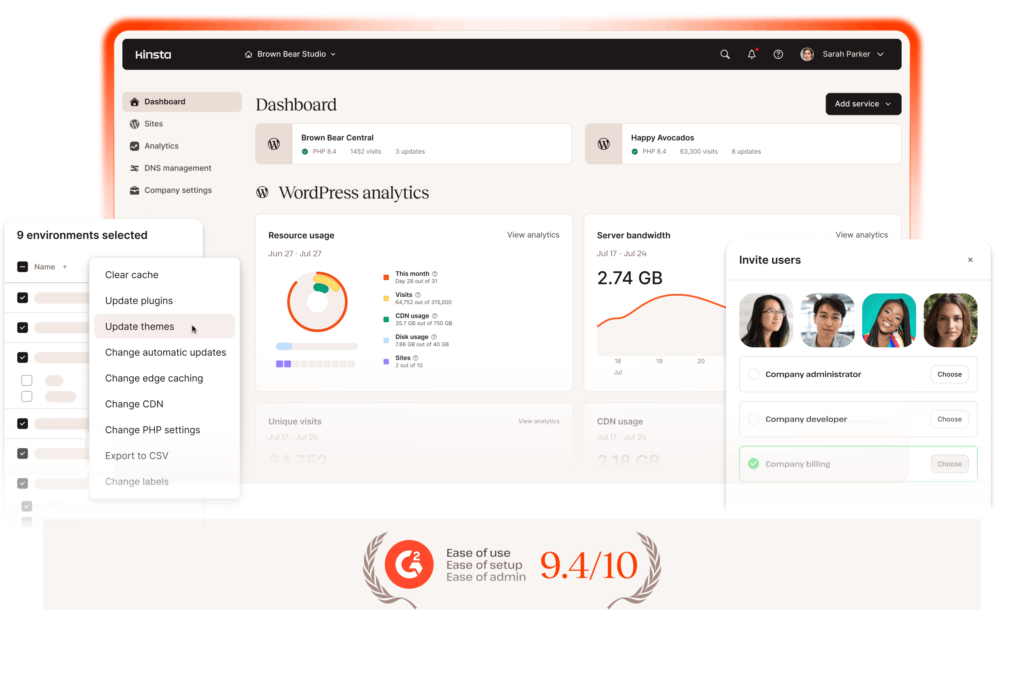
Manage one site or hundreds of sites from MyKinsta. Monitor performance, deploy changes, update plugins, and add unlimited users. It’s like your own personal command center for WordPress.
One dashboard for
everything WordPress
MyKinsta gives you a single dashboard for everything related to your
WordPress sites, saving time on everyday site management.
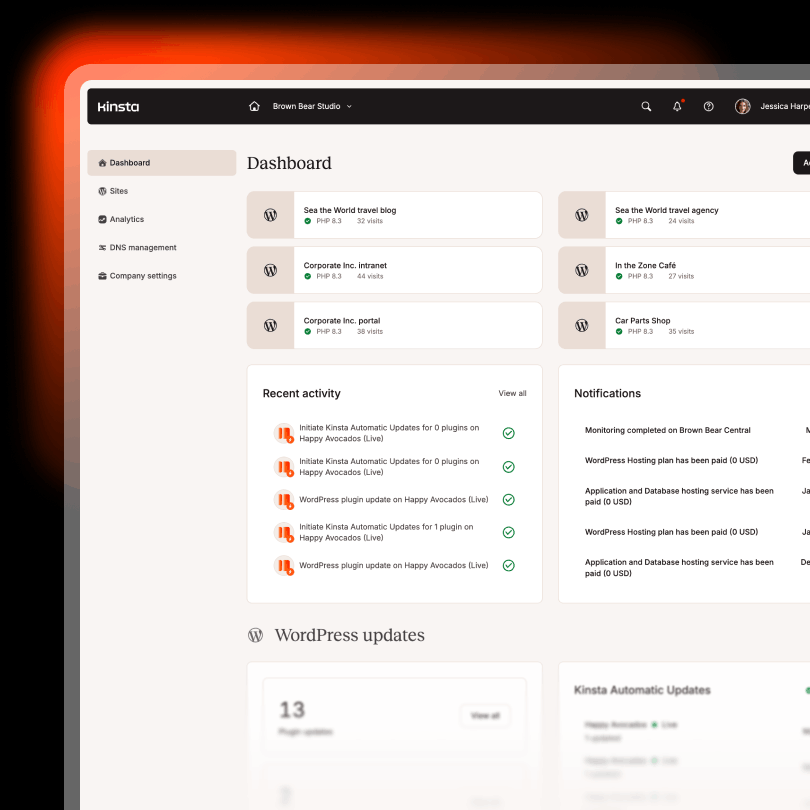
Centralized site dashboard
Manage your websites, teams, and activity in one place.
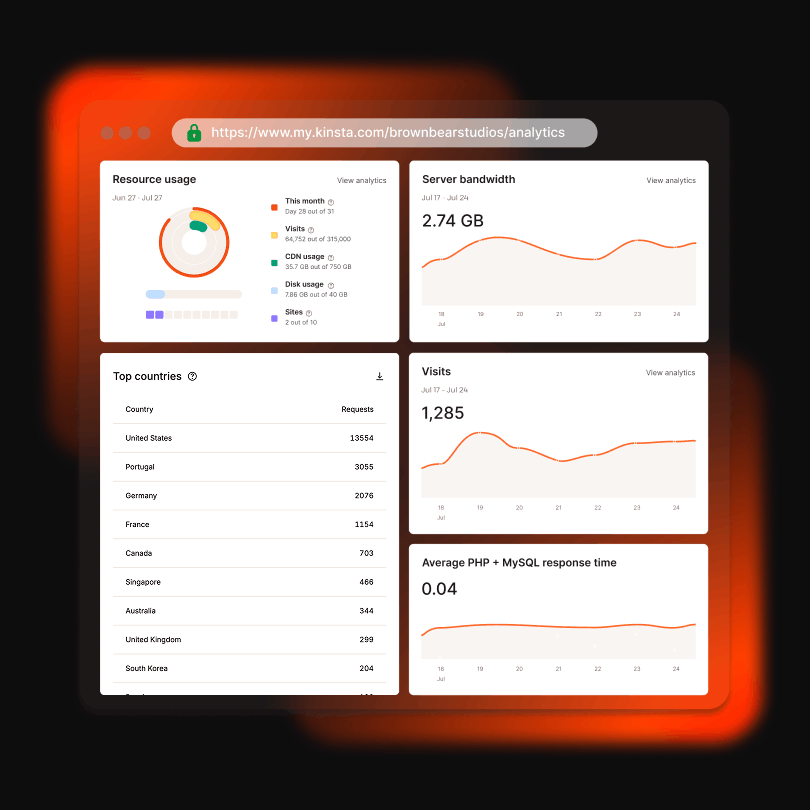
Analytics and resources
Track performance, site health, and resource usage.
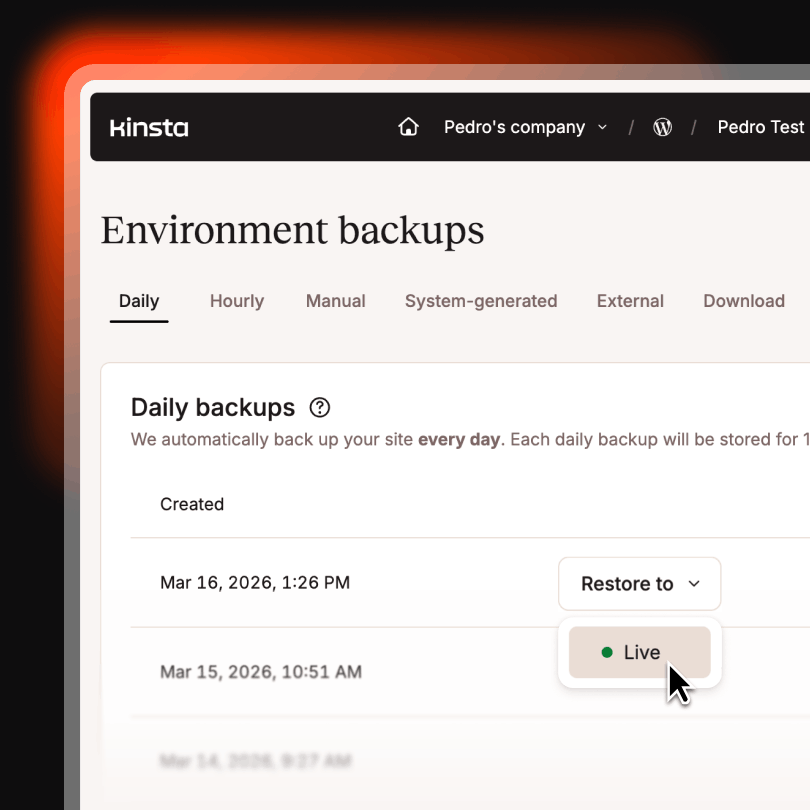
Backup and restore
Create backups, control how often they run, and restore your site when needed.
Fine-tune your site performance
Whether you’re an experienced developer or a non-technical user, MyKinsta gives you powerful built-in tools to monitor and optimize your WordPress site.
Best of all, everything you need is included in your dashboard at no extra cost, unlike many hosts that charge extra for similar features.

Edge caching
Serve cached content from edge locations to reduce latency and improve page load times for visitors worldwide.


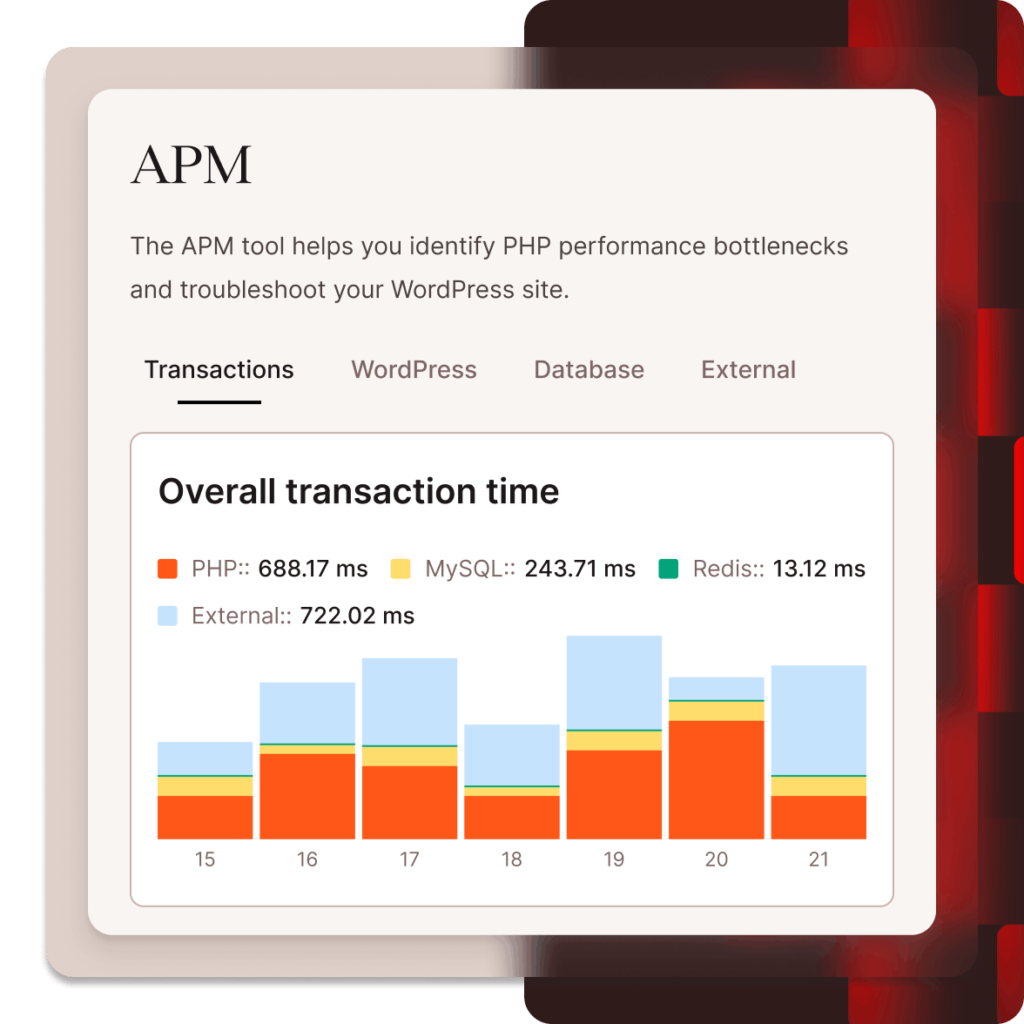
Application Performance Monitoring
Identify slow queries, plugins, and performance bottlenecks.

Save time on maintenance with automated tools
Automatic updates
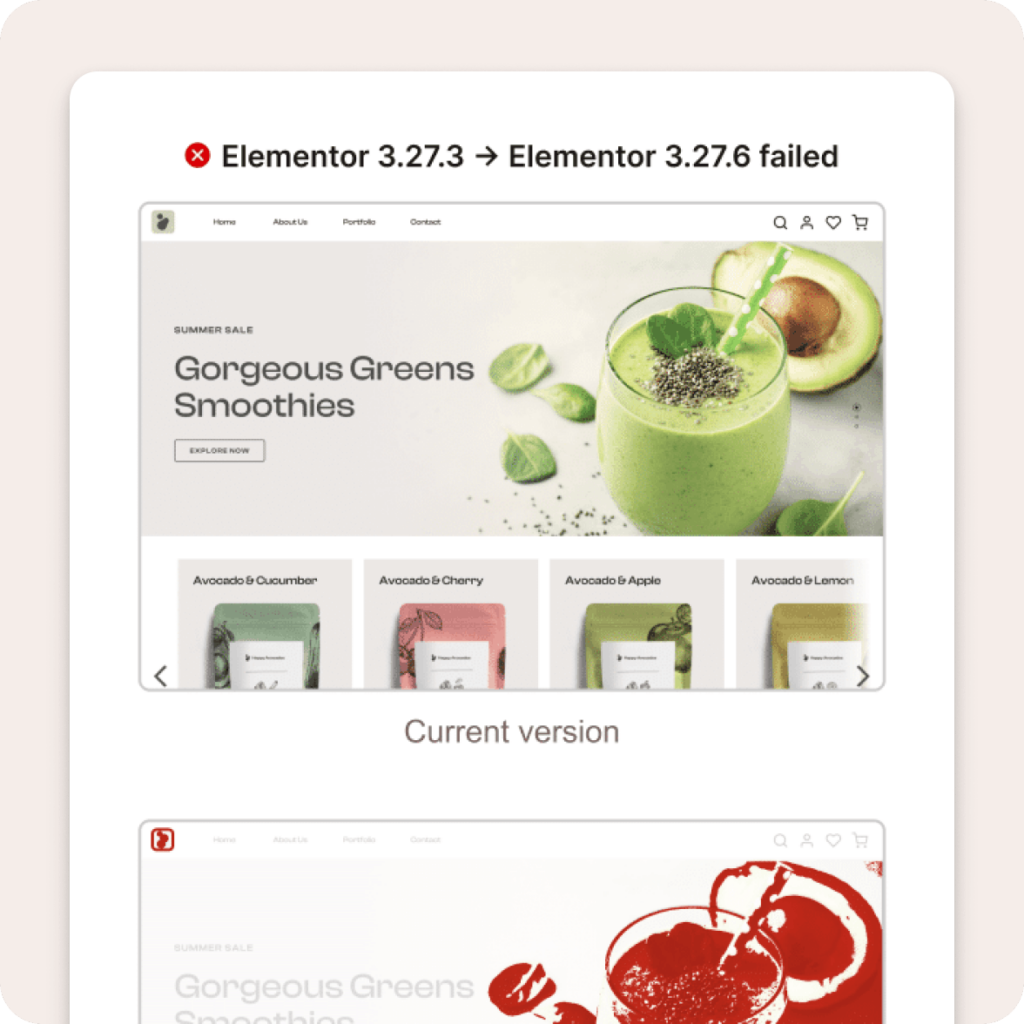
Update plugins and themes automatically, with built-in visual regression testing and rollback if issues arise.
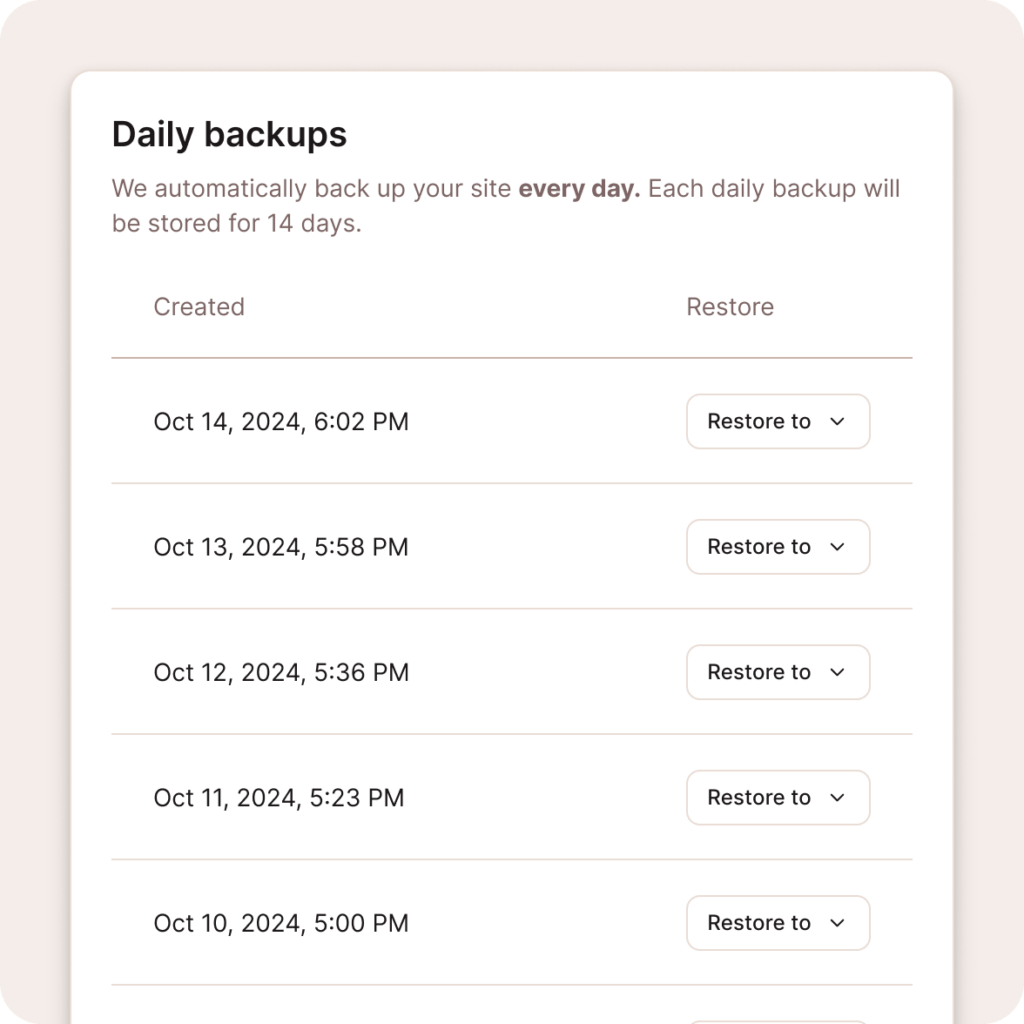
Daily site backups
Kinsta creates daily backups for your websites and stores them for 14 days, so you always have a recent restore point.
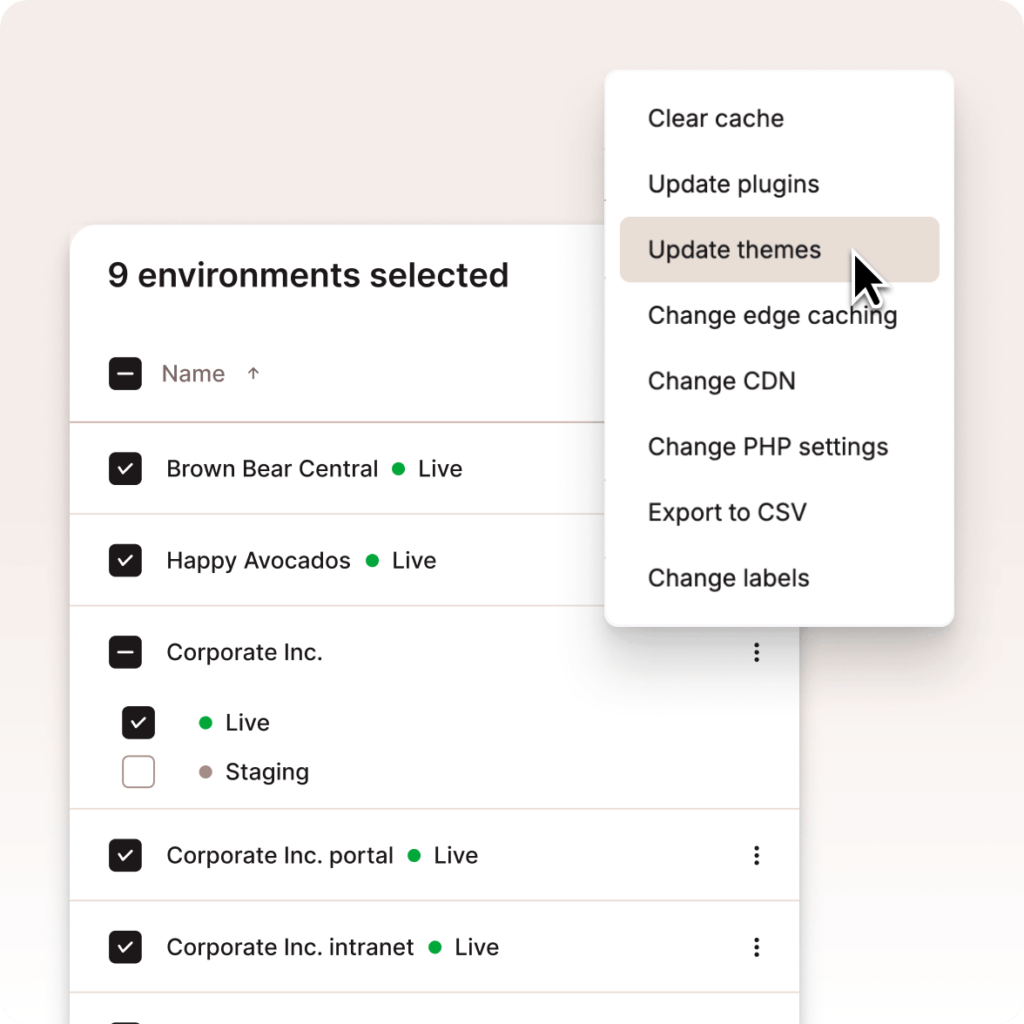
Bulk actions across sites
Efficiently manage multiple WordPress sites, environments, and plugins at once. Clear caches, update plugins and themes, and export site data in just a few clicks.
One-click access
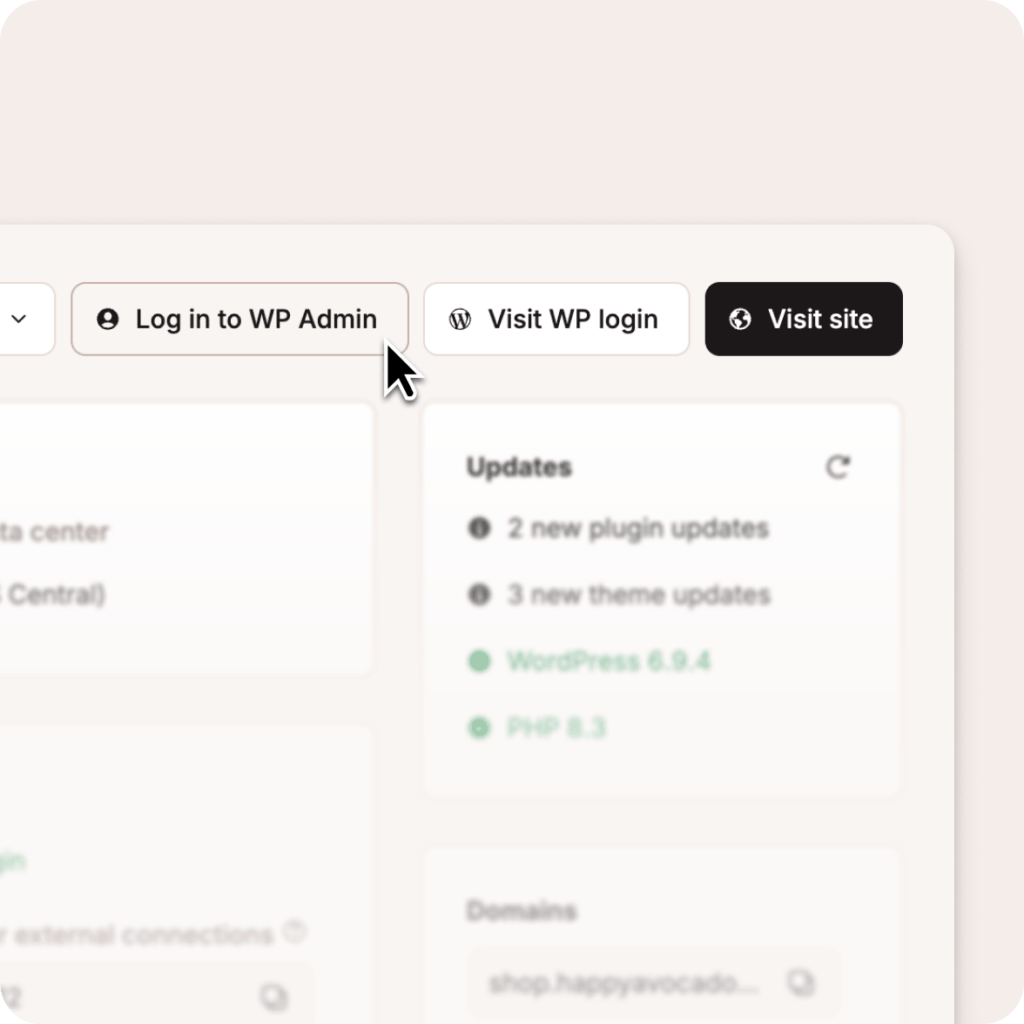
Access WP admin, phpMyAdmin, and more with a single click from MyKinsta.
250+ maintenance hours saved annually
Adapting Social delivered 767% more site traffic and saved 250+ hours.
Faster, safer site changes
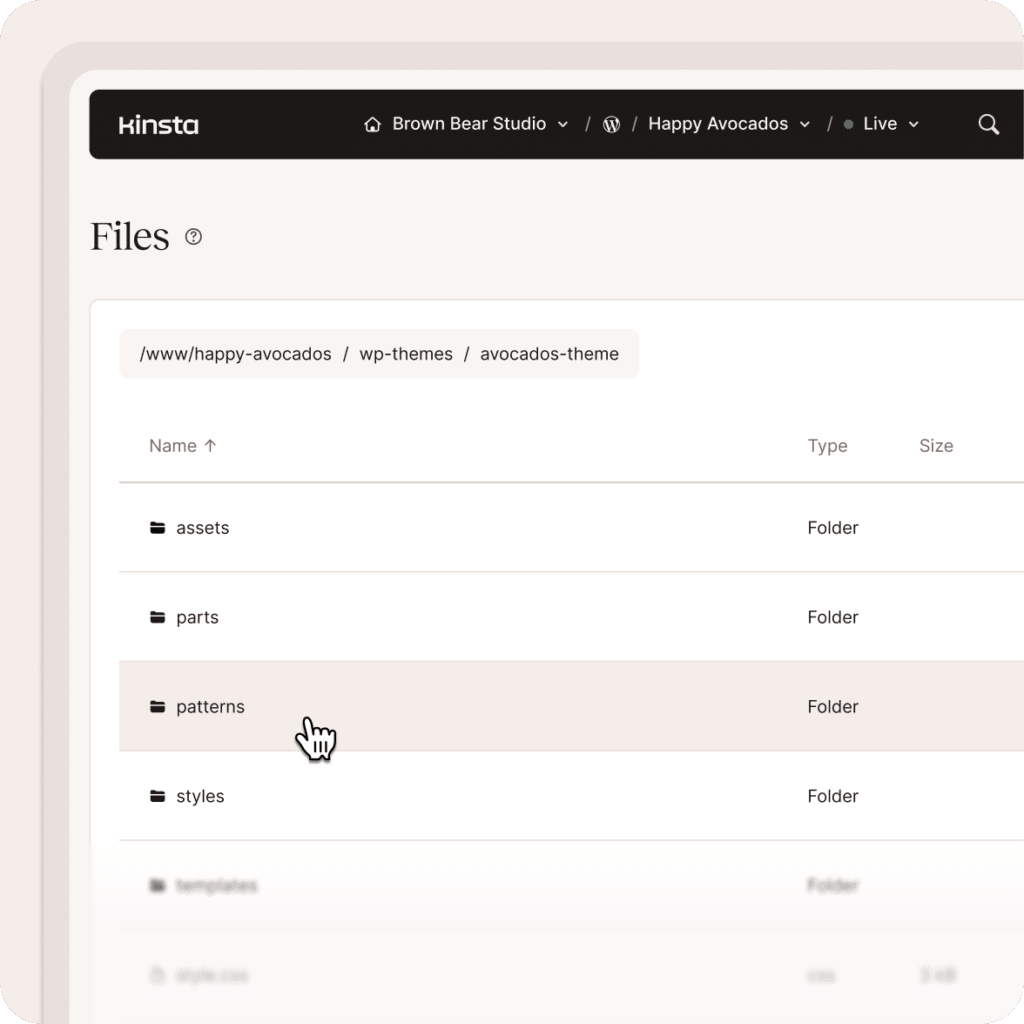
Make updates with confidence using staging environments and built-in performance monitoring. Preview changes and identify issues before pushing updates live.

One-click staging environment
Easy staging environments for cloning or testing sites before deploying changes.


Search and replace database content
Update URLs and content across your site’s database in seconds.
Built for teams
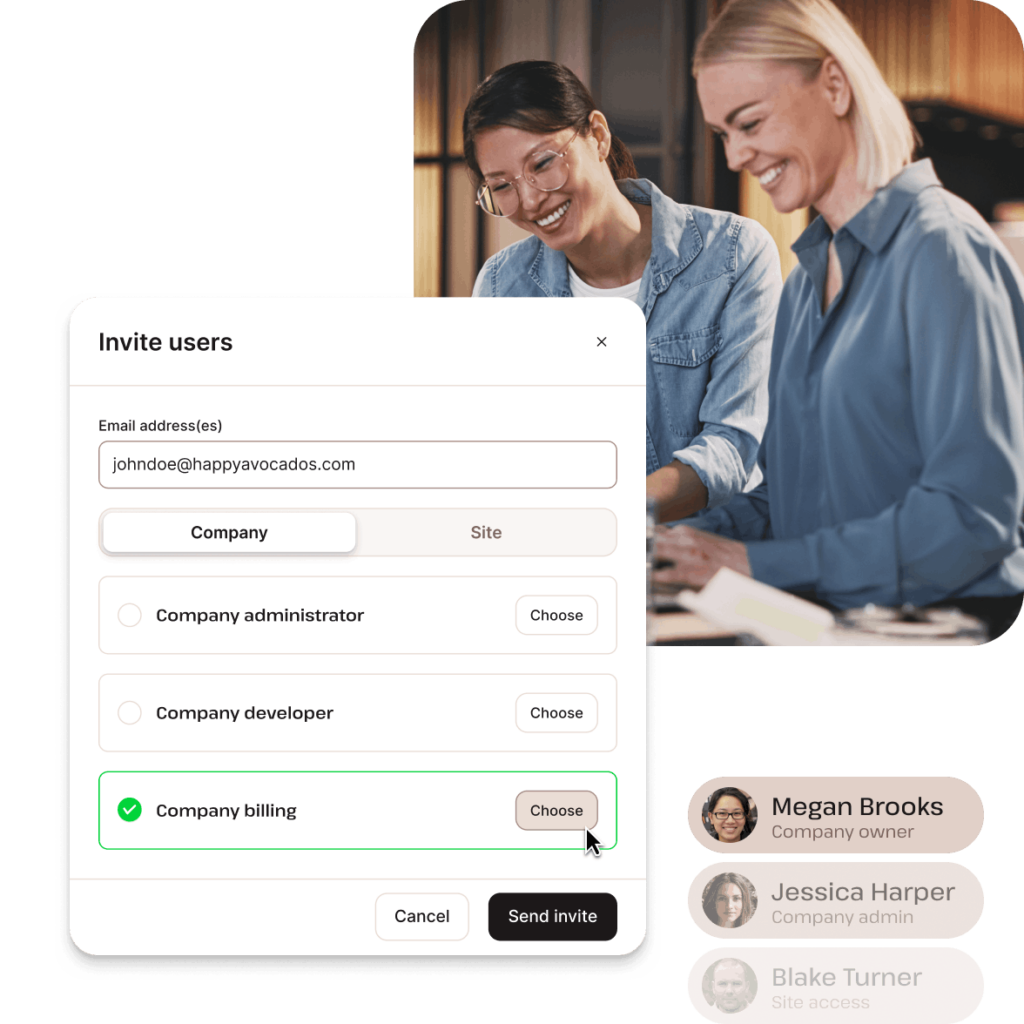
Collaborate easily with developers, teammates, or clients. MyKinsta includes flexible user management so everyone has the right level of access.
Unlimited users
Add as many users as needed across your company or sites.
User permissions
Assign roles with granular permissions for sites, companies, or accounts.
Secure access
Protect accounts with SAML SSO and two-factor authentication.
Activity tracking
Stay informed about team actions, deployments, and site monitoring alerts.

“After switching to Kinsta, I achieved 90+ PageSpeed scores out of the box and eliminated server management tasks, while gaining peace of mind through Kinsta’s mobile-responsive dashboard and 24/7 expert support that resolved issues without me having to be involved.”
Paul Letourneau
CEO and Director of Strategy at the award-winning
web design agency, YEG Digital.
FAQs
Do you offer a demo of MyKinsta?
Yes! Our expert Sales Team is ready to provide you with a demo, free of charge. Enter your information and our team will be in touch.
Do you have a free trial?
We offer the first month free on our Single 35k and WP 2 plans, so you can try Kinsta and explore all features with no upfront cost.
All other plans come with a 30-day money-back guarantee, so you can test them risk-free.
We also include free migrations for most websites, though some restrictions apply (e.g., large multisite networks, certain e-commerce setups, or more complex cases).
Am I charged when I enter my credit card?
Yes. Managed WordPress hosting plans are prepaid. If you have a new or existing Managed WordPress plan, it will be billed at the beginning of your monthly billing cycle.
How does billing work?
WordPress sites are prepaid each month. You can get two months free when you set up annual billing.
Do you have an Affiliate Program?
Yes! Get up to a $500 commission for each customer you refer and 10% recurring commission for each month your referred customer stays with us.
Whether you’re a developer, agency owner, blogger, product manager, or running an open source project, share Kinsta to help others build better and faster. We’ll make it worth your while.
What languages are available in MyKinsta?
The dashboard is available in 8 languages, including English, Spanish, German, French, Italian, Dutch, Portuguese, and Japanese.
Do I need technical knowledge to use MyKinsta?
No technical expertise is required. MyKinsta is designed to be intuitive, so you can handle tasks like site installs and backups in just a few clicks.
It’s powerful enough for developers, but simple enough for anyone to confidently manage and monitor their WordPress sites.
Can I manage multiple WordPress sites in MyKinsta?
Yes. You can manage all your sites from one central dashboard.
Whether you have two sites or two hundred, MyKinsta gives you a unified view to switch between projects, run bulk actions, and manage everything without jumping between accounts or panels.
Does MyKinsta support staging environments?
Yes. Every site includes a staging environment, so you can create a full copy of your site in seconds to test changes safely. When you’re ready, push those changes to your live site with a single click.
For more advanced workflows, Kinsta also offers premium staging environments, giving you additional environments for testing and development.
Can’t find what you’re looking for? Chat with us