Disaster Recovery

Disaster recovery add-on

Kinsta’s Disaster recovery add-on gives your business-critical dedicated server a second recovery location. Your server is continuously replicated to a standby server in a second data center, so if your primary data center has a major issue, we can switch traffic to the standby to bring your site back online.

Kinsta selects the closest compatible data center for your standby server by default. If you have strict data sovereignty requirements, or need the standby in a specific location, discuss this with our team so we can agree on the right data center for you.

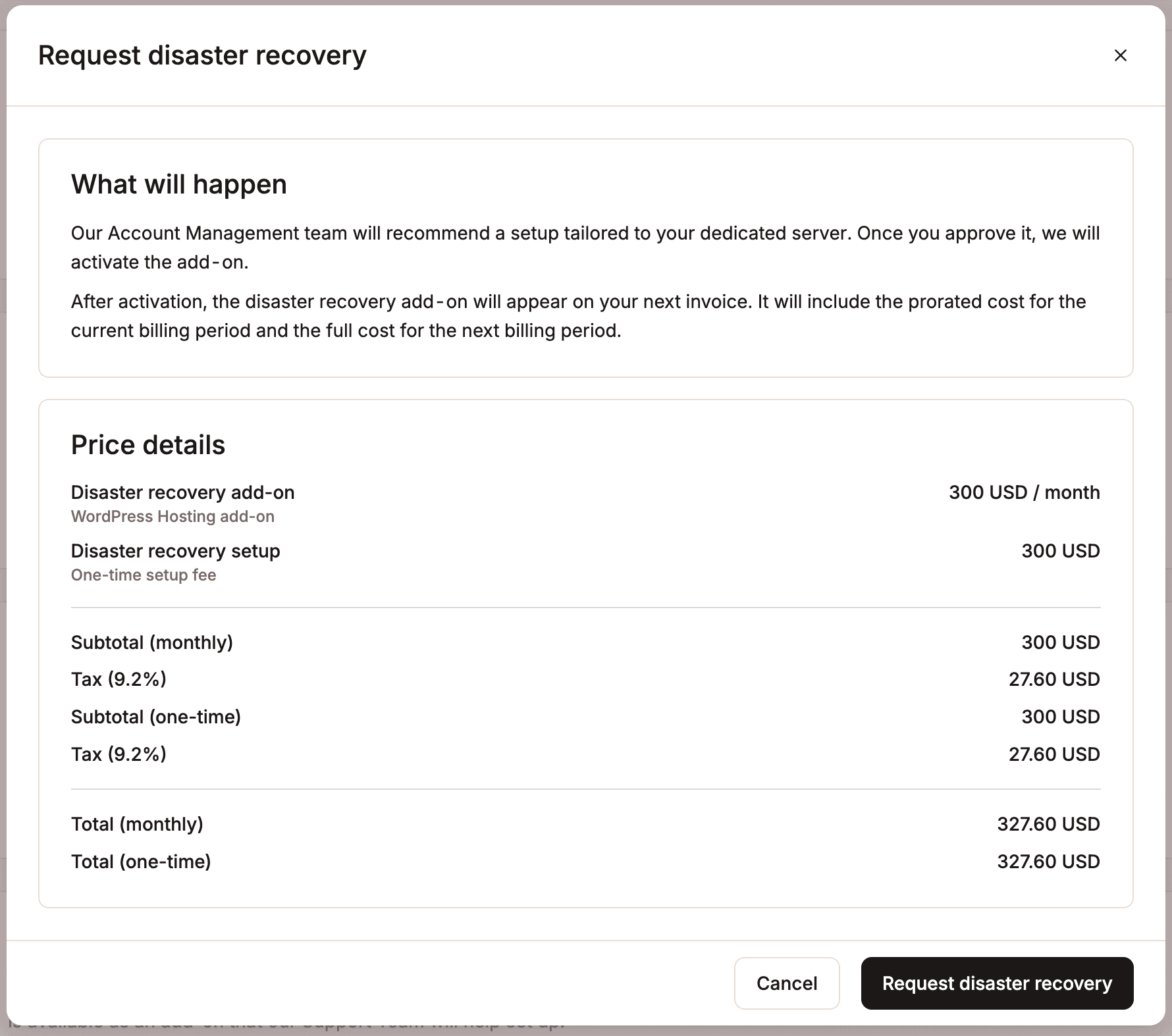
The Disaster recovery add-on costs $300 per month, plus a one-time $300 setup fee, so your first month totals $600, and $300 per month after that.

How it works

  1. After the initial setup, we continuously replicate your primary server to a standby server in a data center agreed upon with you.
  2. The standby data center remains idle until a switchover is triggered.
  3. If an incident occurs at the primary data center, Kinsta investigates first, then initiates a switchover if needed.
  4. Everything is replicated except your external IP address. After a switchover, we’ll inform you of the new one.
  5. Once the original data center is stable again, we’ll contact you to arrange switching back. Your external IP address then reverts to its original address.

Important notes

  • Recovery isn’t instant, and some downtime should be expected. When an incident occurs, we investigate first and only switch over when necessary; for example, if the issue is a site struggling under heavy load, switching data centers wouldn’t resolve it, so we wouldn’t do so in that case.
  • A small amount of recent data may be lost. After the initial setup, replication runs continuously, typically keeping the standby within 30 minutes of your live data, though this can take longer under heavy load or high rates of change. This means some recent activity, for example, orders placed on a busy store shortly before an incident, may not carry over during a switchover.
  • Your external IP address changes both when switching to the recovery data center and when switching back.
  • Disaster recovery isn’t a restorable backup; it’s only used for major incidents. You should still take regular backups of your site.

How to purchase the Disaster recovery add-on

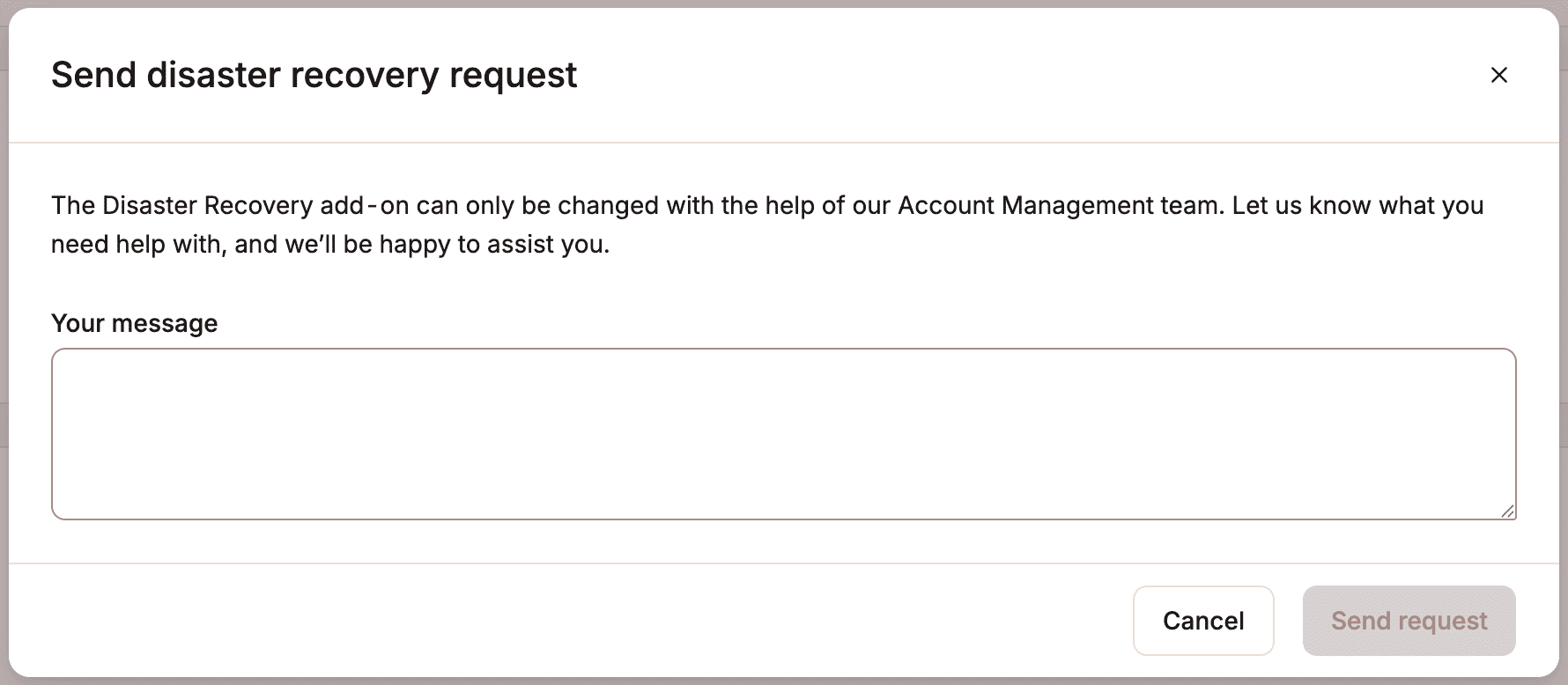
To purchase the Disaster recovery add-on, reach out to your account manager or contact our Support Team.

Standard protections for every Kinsta site

Kinsta’s infrastructure uses several measures to keep your Managed WordPress data safe and secure. Below are some of the ways Kinsta keeps your site reliable, protected, and supported.

1. Enterprise-grade infrastructure

Kinsta uses high-performance, enterprise-grade infrastructure to power every site. Our platform is built on a global network of premium data centers, designed to deliver exceptional speed, stability, and scalability.

Each site is hosted in an isolated environment with dedicated resources, ensuring optimal performance and security without interference from other sites. Built-in redundancy, proactive monitoring, and automated failover mechanisms help maintain uptime and resilience, even in the event of hardware or network issues.

This means your website remains fast and available, even under heavy traffic or unexpected conditions.

2. Automatic backups of every WordPress site

Kinsta automatically creates daily WordPress site backups of every Managed WordPress site, and offers additional hourly backup add-ons. We also automatically create system-generated backups when you perform the following actions on your site:

Each backup is stored on the same host machine as your site and is a complete snapshot of a site environment’s files, database, redirects, Nginx configuration, and MyKinsta settings at the time the backup was created. This includes the site’s Domains (Sites > sitename > Domains). Find out more details about how automatic backups work.

You can access and restore backups in MyKinsta with a single click within Sites > sitename > Backups.

3. Machine-level snapshots

In addition to automatic WordPress site backups, Kinsta creates and stores a snapshot of every machine in our infrastructure every 8 hours, retained for 24 hours. These snapshots are taken at the server level and stored on our servers as a disaster recovery option.

They’re not accessible through the MyKinsta interface. In the event of a disaster recovery situation, our team can use them to restore your site manually, though some downtime may occur during this process.

Machine-level snapshots are only used for disaster recovery. They’re not available for individual site restores under normal operations, and can’t be requested unless a disaster recovery event has occurred.

4. Downloadable backups

If automatic backups aren’t enough, you can always download a backup of your Managed WordPress site. The archive file (.zip) generated in MyKinsta will contain your website’s files as well as a SQL file containing the contents of your database. You can store these somewhere safe to act as another backup.

5. External backups (add-on)

As an additional security measure, Kinsta offers an external backup add-on for weekly or monthly backups, so you don’t have to install third-party plugins or tools.

Kinsta’s external backup add-on is a great option if you’re looking for an easy way to handle off-site backups. Check out our in-depth guide on how to enable external backups.

6. Uptime monitoring

We check the status of all Managed WordPress site we host every 3 minutes. That’s 480 checks per site, every day. If we notice a problem with your site, our team may reach out to you before you even realize there is a problem.

7. Status updates and notifications

We’ll notify you of any issues affecting your Managed WordPress sites with a message at the top of MyKinsta. If there is a system-wide outage or network event, we’ll post messages on our status page.

8. 24/7 support

We have Support Engineers available around the clock every day. In the event of a catastrophe, you can reach our Support team within minutes. We’re always here to help.

Was this article helpful?

© 2013 - 2026 Kinsta Inc. All rights reserved. Kinsta®, MyKinsta®, DevKinsta®, and Sevalla® are trademarks owned by Kinsta Inc.The WordPress® trademark is the intellectual property of the WordPress Foundation, and the Woo® and WooCommerce® trademarks are the intellectual property of WooCommerce, Inc. Uses of the WordPress®, Woo®, and WooCommerce® names in this website are for identification purposes only and do not imply an endorsement by WordPress Foundation or WooCommerce, Inc. Kinsta is not endorsed or owned by, or affiliated with, the WordPress Foundation or WooCommerce, Inc. Legal information